सुरक्षित YouTube डाउनलोडर
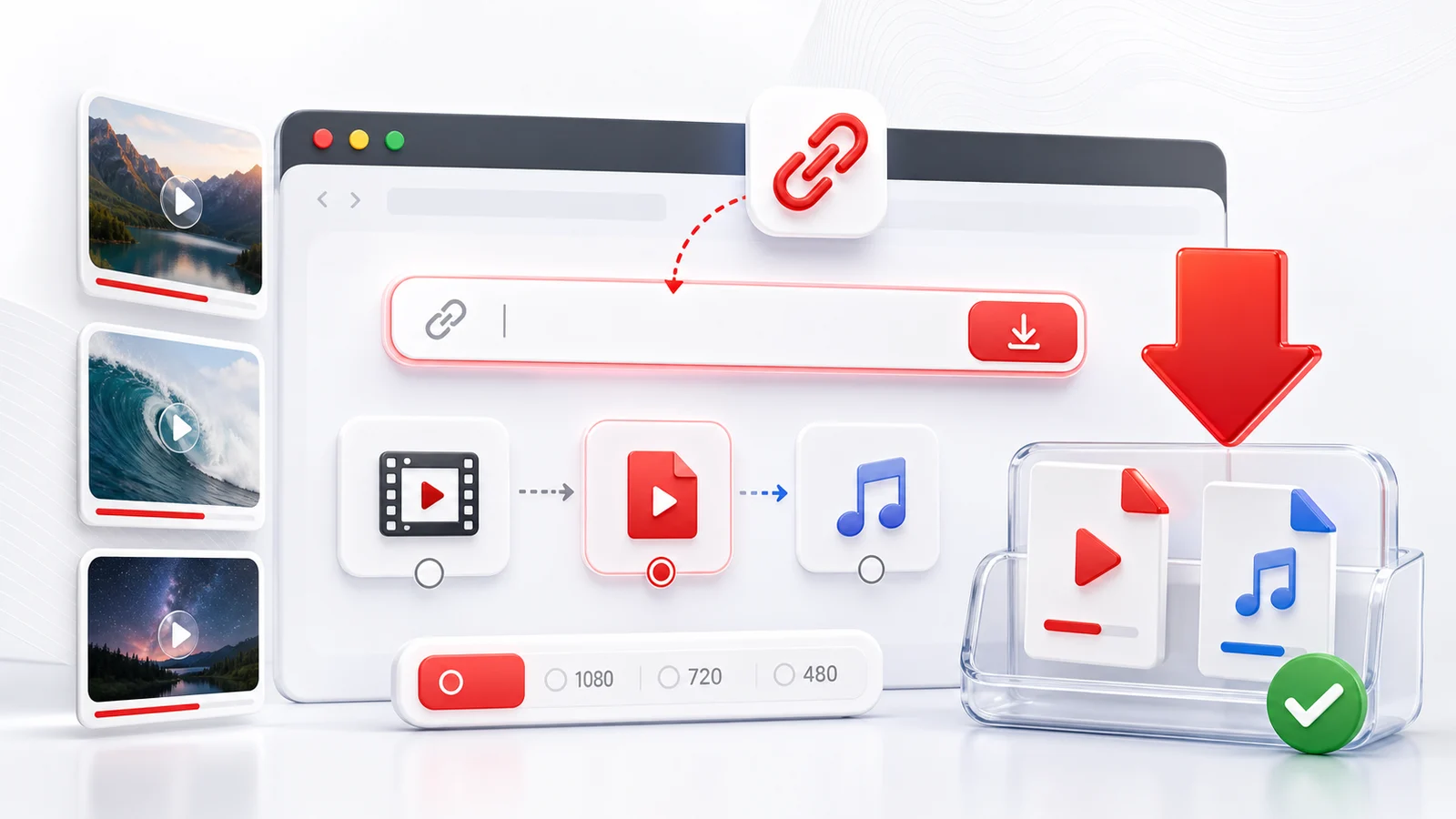
सुरक्षित YouTube डाउनलोडर का workflow साफ होना चाहिए और risky extras नहीं होने चाहिए। Any4K browser में चलता है, इसलिए desktop app install करने, extension जोड़ने या YouTube login किसी third-party tool में डालने की ज़रूरत नहीं।
यहां "safe" का मतलब
- Computer पर installer नहीं।
- Broad site access मांगने वाला extension नहीं।
- YouTube password नहीं।
- Private या members-only videos लेने की कोशिश नहीं।
- Format, quality और file type साफ दिखते हैं।
Safety label से नहीं आती। URL check करें, public videos इस्तेमाल करें, familiar formats चुनें और सिर्फ allowed material download करें।
Link checks
जहां संभव हो, YouTube Share button से link copy करें। अगर link suspicious लगे, पहले YouTube पर खोलकर confirm करें कि वही video है।
अगर video private window में play नहीं होता, वह public नहीं है। Any4K private, deleted, members-only या age-gated videos unlock नहीं करता।
Format choices
MP4 सबसे भरोसेमंद format है क्योंकि लगभग हर device पर चलता है। सामान्य saving के लिए 1080p, real high-resolution source के लिए 4K, और speech/music के लिए audio-only चुनें।
Creator rights
Downloads को legitimate personal use, अपने uploads के backup, Creative Commons, public-domain या creator-allowed files तक रखें। Downloader reposting की permission नहीं है।
Frequently Asked Questions
क्या Any4K software install करने से safer है?
Browser tool unknown installers, bundled offers और extension permissions से बचाता है। फिर भी source video और file use को समझदारी से check करें।
क्या Any4K YouTube password मांगता है?
नहीं। Any4K को YouTube password नहीं चाहिए और यह private या members-only videos डाउनलोड नहीं करता।
क्या safe downloader restrictions bypass करता है?
नहीं। Safe downloader को private, deleted, age-gated और region-blocked content की limits respect करनी चाहिए।