Safe YouTube Downloader
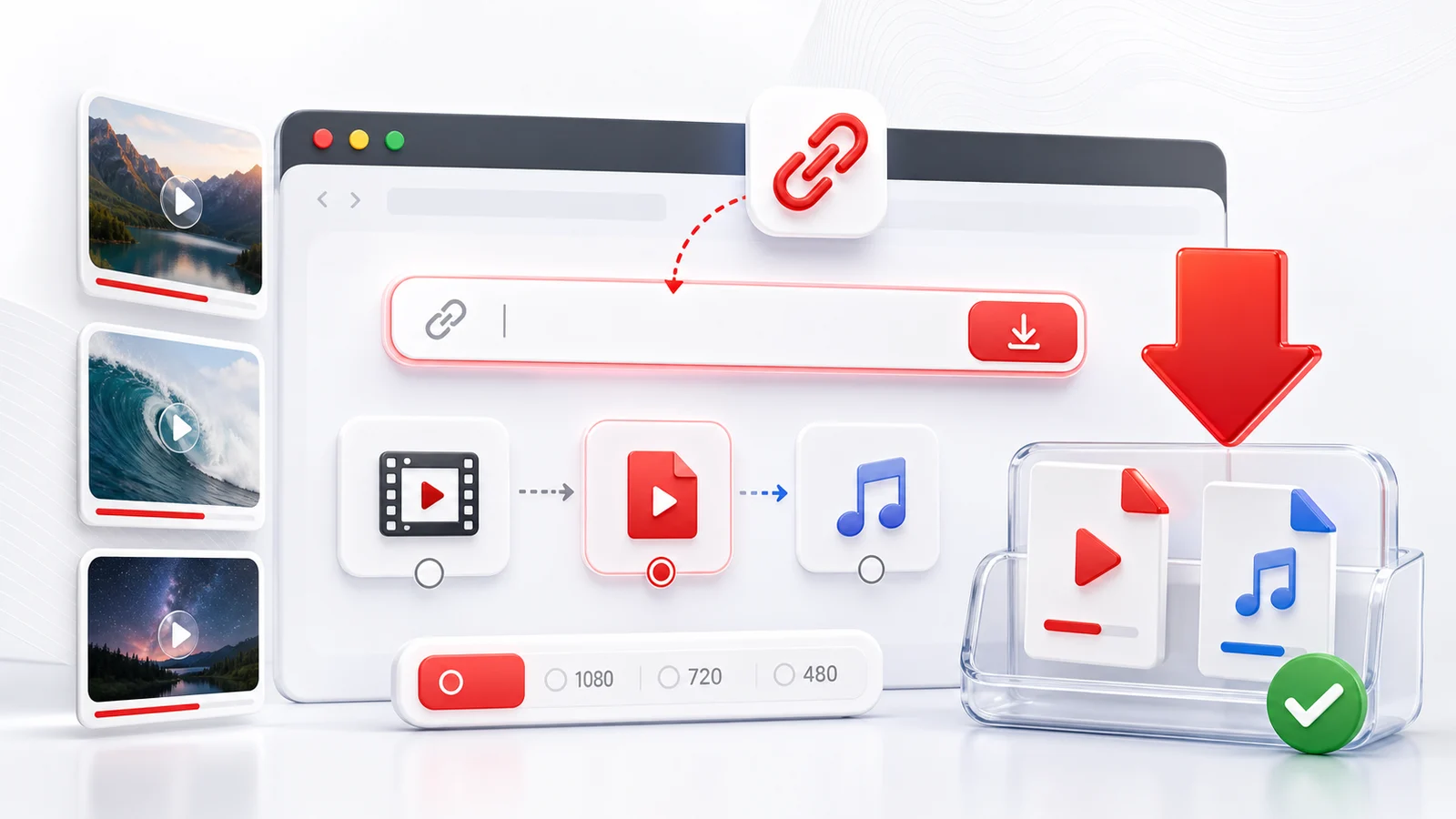
A safe YouTube downloader should make the download path clear and avoid risky extras. Any4K runs in the browser, so you do not need to install a desktop app, add an extension, or paste your YouTube login into a third-party tool.
What "safe" means here
- No installer to run on your computer.
- No browser extension asking for broad site access.
- No request for your YouTube password.
- No attempt to download private or members-only videos.
- Clear choices for format, quality, and file type before you save.
Safety is not a magic label. It is a set of habits: check the URL, use public videos, choose familiar file formats, and download only material you are allowed to keep.
Safer link checks
Copy the link from YouTube's Share button when possible. That gives a clean URL and avoids random text copied from chats, comments, or shortened links. If a link looks suspicious, open it in YouTube first and confirm it is the video you expected.
If a video does not play in a private browser window, it is probably not publicly accessible. Any4K will not unlock private, deleted, members-only, or age-gated videos.
Safer format choices
MP4 is the easiest format to trust because it plays on nearly every device. Use 1080p for everyday saving, 4K for real high-resolution source videos, and audio-only for speech or music. Be careful with files renamed from unknown sources. Any4K shows the format options generated from the submitted public link.
Legal and creator rights
Use downloads for legitimate personal use, backups of your own uploads, Creative Commons material, public-domain videos, or files the creator allows you to save. Do not treat a downloader as permission to repost someone else's work.
Frequently Asked Questions
Is Any4K safer than installing downloader software?
A browser tool avoids unknown installers, bundled offers, and extension permissions. You still need to use normal judgment about the source video and how you use the downloaded file.
Does Any4K ask for my YouTube password?
No. Any4K does not need your YouTube password and cannot download private or members-only videos.
Can a safe downloader bypass YouTube restrictions?
No. A safer downloader should respect private, deleted, age-gated, or region-blocked content instead of trying to bypass those limits.