4K YouTube Downloader
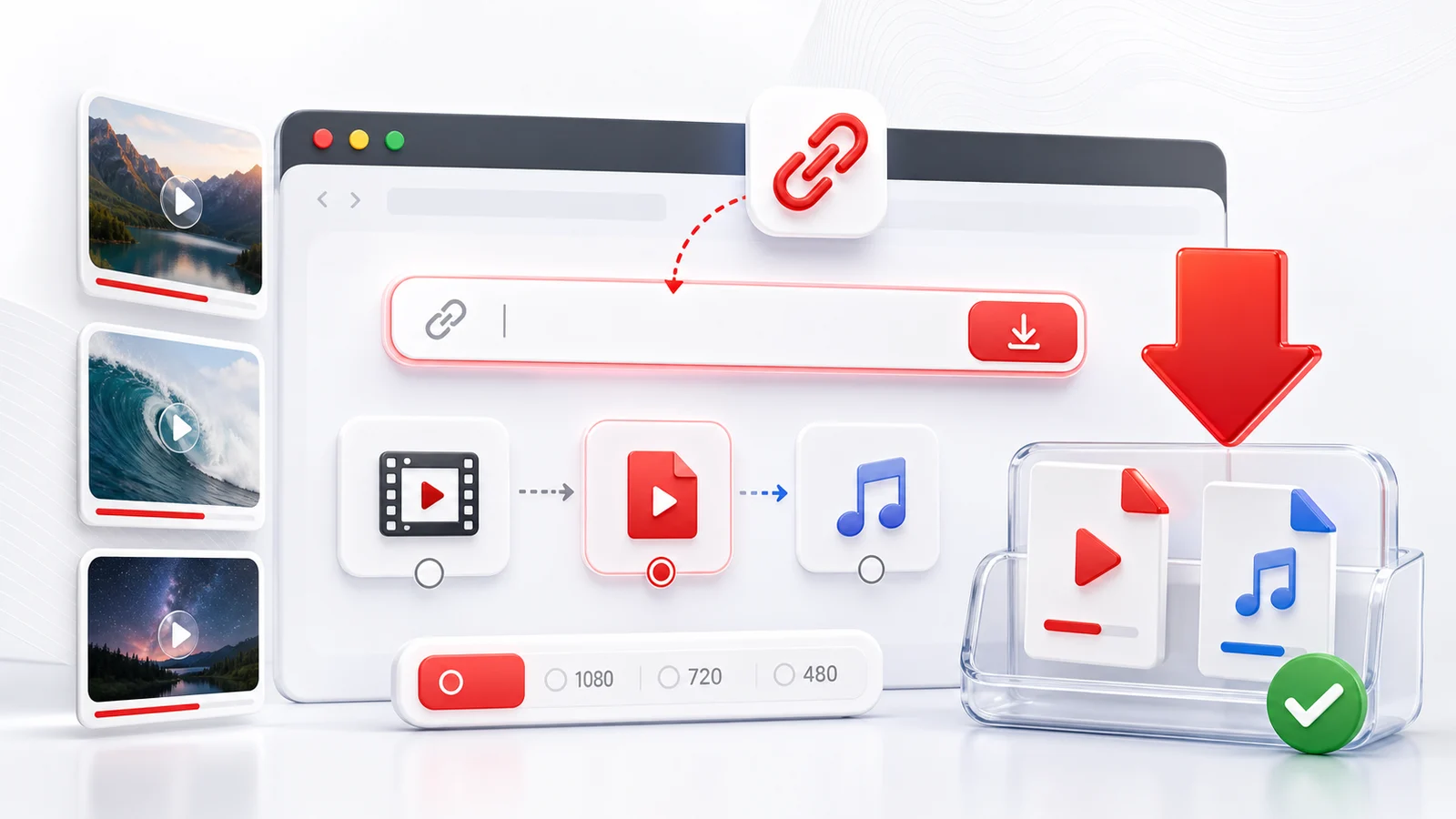
Any4K's 4K YouTube downloader saves public YouTube videos in their highest available resolution. When a creator uploaded a video at 2160p or 4320p, you can pick that exact quality and download the file straight from your browser — no installs, no signup, no watermarks added by us.
When 4K Is Actually Worth Downloading
4K is the right choice when the original is sharp, the playback device is large, and you have storage to spare. A 4K download from a smartphone-shot vlog will not look meaningfully better than 1080p because the source itself was constrained. A 4K download of a cinematic short, a music video, or a tech review filmed with a real camera will show the difference on a 4K TV or display.
Quick test: open the YouTube video, hit the gear icon, and check the quality menu. If 2160p is listed, the source supports 4K and Any4K can save it. If the highest option is 1080p HD, downloading at "4K" gains you nothing — the underlying pixels are not there.
How the 4K Pipeline Works
YouTube serves 4K through separate video and audio streams in formats like VP9 or AV1 (video) and Opus or AAC (audio). A browser-based downloader has to pull both, then merge them into a playable MP4 or MKV. Any4K handles the muxing so you get one file ready for any player.
If you only see "video-only" 2160p in some lists elsewhere, that is the un-merged stream. Any4K presents the muxed result by default.
4K vs 1440p vs 1080p — Picking the Right One
- 2160p (4K UHD) — best for 4K TVs and external monitors. File sizes can be 1-5 GB for a 10-minute video. Choose this when archival quality matters.
- 1440p (2K QHD) — sweet spot for laptop and high-DPI phone screens. Roughly half the size of 4K with almost no visible quality loss at viewing distance.
- 1080p (Full HD) — universal, plays everywhere, small enough to AirDrop or upload to cloud storage easily.
You can always download lower; you cannot upscale back to 4K once you have a 1080p copy.
Codec Choices: MP4, WebM, MKV
For 4K downloads, container matters because the codec drives compatibility:
- MP4 (H.264 / AVC) — most compatible. May not be the highest efficiency at 4K but plays on every device and editor.
- WebM (VP9) — Google's default high-efficiency format. Smaller file at the same quality. Plays in Chrome, Firefox, modern Android. Not natively supported by older iOS or many editors.
- MKV (AV1) — newest, most efficient codec. About 30% smaller than VP9 at the same quality. Limited player support outside VLC and recent operating systems.
If you plan to edit the video, pick MP4 H.264 for safety. If you only need to watch and care about disk space, WebM or AV1 is fine.
Responsible Use
Save 4K downloads only for content you have the right to keep — your own uploads, public-domain material, Creative Commons-licensed work, or videos where the creator explicitly allows downloading. Respect YouTube's terms, copyright law, and creator rights.
Frequently Asked Questions
What is a 4K YouTube downloader?
A 4K YouTube downloader is a tool that can save a YouTube video in 2160p (Ultra HD) resolution when the source video was uploaded at that quality or higher. Any4K runs in the browser and lists the highest resolution that YouTube exposes for the video you submit.
Why is the 4K option missing for some videos?
YouTube only serves 4K when the creator uploaded the original at 2160p or above. Many older videos, livestreams, or mobile uploads cap out at 1080p. If 4K is not in the list, the source itself does not have a 4K stream.
Does 4K download take more time and storage?
Yes. A 4K video file is typically 3-5x larger than the same video at 1080p, so downloads take longer and use more disk space. Plan for several hundred megabytes for short clips and multiple gigabytes for long videos.
Can I download in 8K?
When the original YouTube upload includes an 8K stream (4320p), Any4K can list it as a download option. 8K availability is rare; most creators upload at 1080p or 4K maximum.
Will my phone play a 4K file?
Modern flagship phones (iPhone 12 and later, recent Android flagships) play 4K smoothly. Older devices may struggle with playback. If your device is older, choose 1440p or 1080p instead — the file will still look sharp on a small screen.