4K Video Downloader: Online vs Software
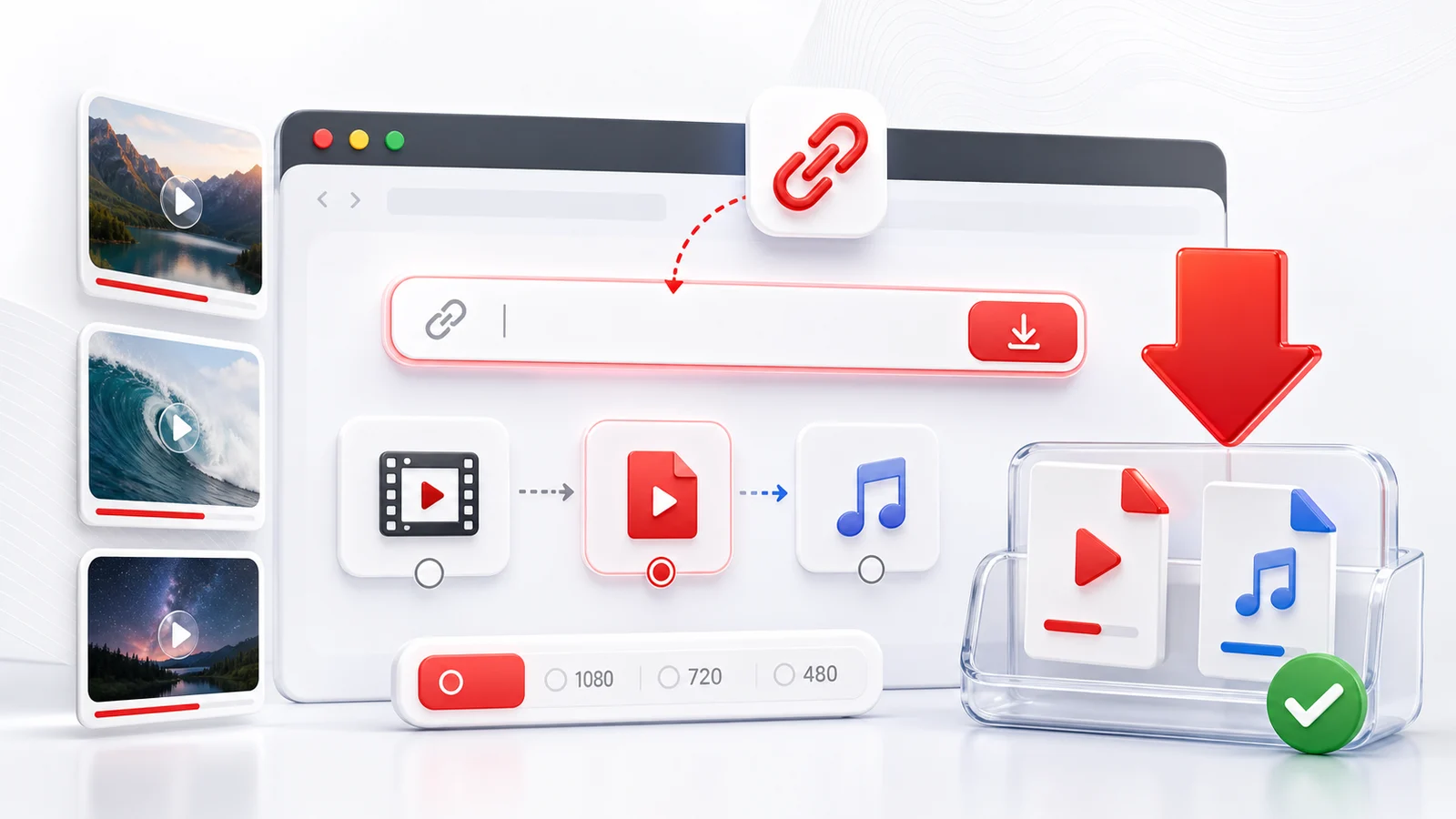
The "online vs software" question for 4K video downloading comes down to two trade-offs: friction at the start (install once vs paste every time) and ceiling at scale (one file vs a thousand).
What Each One Is Good At
Browser-based (online) downloaders like Any4K
- Zero install: open the page, paste a link, done.
- Works on any device with a browser: phone, tablet, locked-down work laptop, library computer.
- No persistent footprint — nothing to update, nothing to uninstall.
- Best for single videos, ad-hoc downloads, on-the-go.
Desktop software like 4K Video Downloader Plus, 4K YouTube to MP3
- Persistent download queue: schedule, batch, retry on network drops.
- Subtitle extraction in multiple languages.
- Whole-channel and whole-playlist subscriptions that auto-pull new uploads.
- Local file management features (organize, rename, embed metadata).
- Better for archival workflows and bulk projects.
Side-By-Side
| Dimension | Online (Any4K) | Desktop (4K Video Downloader, etc.) |
|---|---|---|
| Install required | ❌ | ✅ |
| Cost | Free | Free tier + paid tier |
| Single-video speed | Faster (no install) | Faster after install |
| Batch (50+ videos) | Slower | Faster |
| Channel subscription | ❌ | ✅ |
| Playlist downloads | Manual one-by-one | Automated |
| Subtitles in multiple languages | ❌ Not yet | ✅ |
| Works on phone | ✅ | ❌ Desktop only |
| Works on locked-down work laptop | ✅ | ❌ Install blocked |
| Max resolution | 8K when source has it | 8K |
| Updates required | ❌ Always current | ✅ Manual updates |
| Audio extraction | ✅ | ✅ |
| API for automation | ✅ Any4K has one | Often ❌ |
Three Realistic Scenarios
You need one video right now. Open Any4K, paste the link, pick 4K, save. Total time: under a minute, no install. Online wins.
You archive a whole creator's channel every quarter. Install desktop software, set up a channel subscription, walk away while it pulls 500 videos overnight. Online is impractical for this.
You build a video tool that consumes downloaded files. Use Any4K's API. You get an HTTP endpoint without users having to install anything. Online wins.
Cost: What You Actually Pay
Online downloaders monetize through ads (cheap, sometimes intrusive) or stay free as a service (Any4K's model). Desktop downloaders typically sell licenses: free tier with limits, then $15-50 per device or per year for the full feature set. Over the lifetime of a heavy user, desktop costs more in dollars; online costs more in attention if the site is ad-heavy.
When to Use Both
Most power users keep both:
- A bookmark to /youtube-video-downloader on every device for quick one-off saves.
- A desktop app on their main machine for scheduled archive jobs.
The two tools do not compete — they cover different use cases.
Bottom Line
Online for speed-to-start, mobile access, and single videos. Desktop for batch, subscriptions, and subtitle workflows. Both can hit 4K and 8K because both pull from the same source streams.
Frequently Asked Questions
Is online or desktop 4K video downloader faster?
For a single video, online tools like Any4K are faster end-to-end because there is no install step. For batch downloads (a whole channel or playlist of 50+ videos), desktop software is faster because it can queue downloads locally and run overnight.
Are online video downloaders safe?
A trustworthy online downloader runs in the browser sandbox, so the file goes directly to your device without you installing anything from the web. The safety risk is mostly about which site you trust. Avoid sites with aggressive popup redirects.
Does desktop software give better quality?
For YouTube 4K and 8K, both can achieve the same quality because both pull from the same YouTube streams. Quality is determined by the source video, not by the tool.
Do I need to pay for desktop 4K Video Downloader?
Most desktop 4K downloaders have a free tier with limits (download count cap, no subtitles, no scheduling) and a paid tier that unlocks batch and premium features. Any4K is fully free with no tier.
Can I use both?
Yes, and many people do. Use the browser tool for occasional single videos and the desktop app for monthly archive jobs.