How to Download Videos — Guides & Troubleshooting
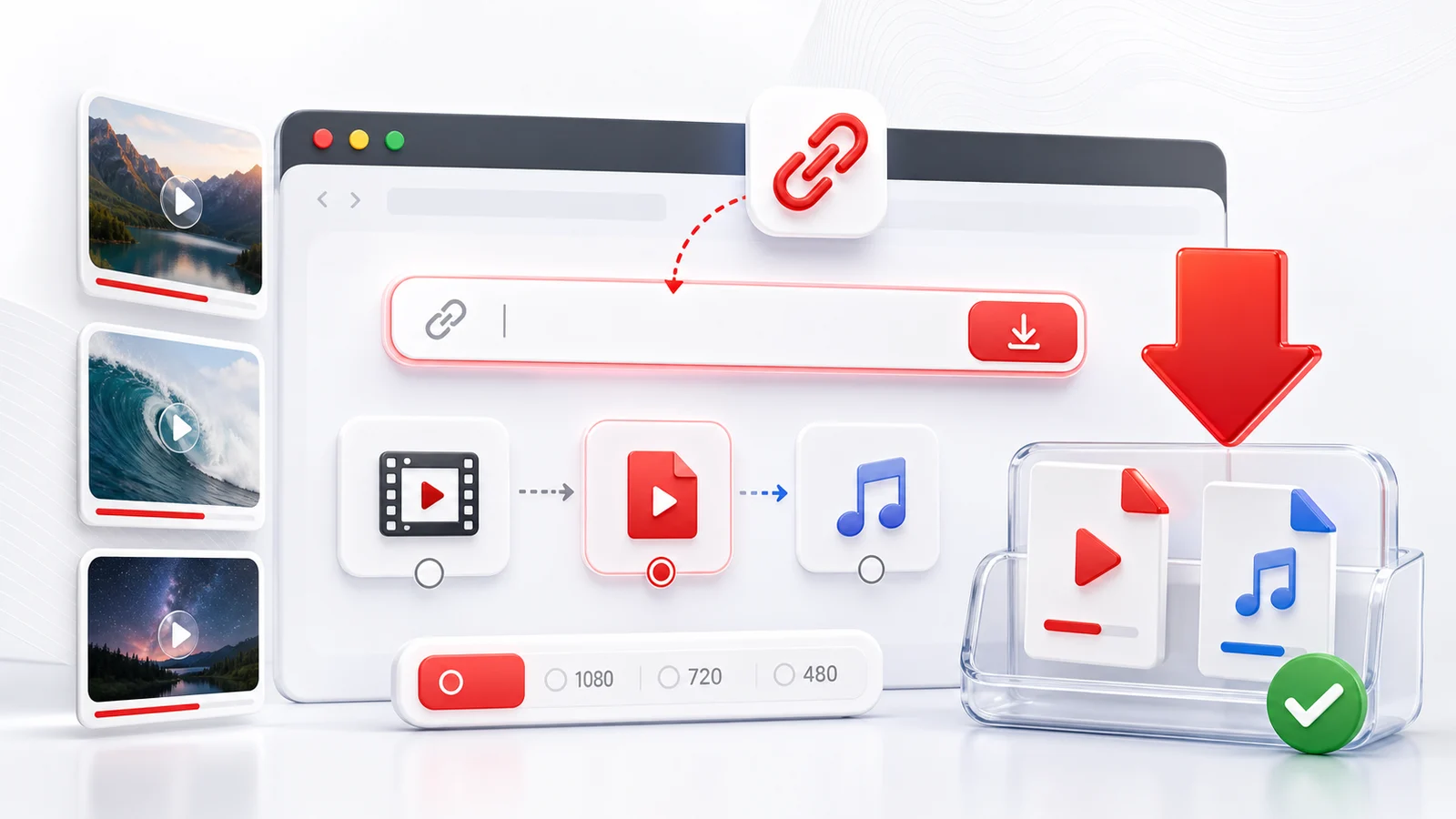
This is the index for Any4K's video-download guides and troubleshooting articles. Use the category links below to find the one that matches your device, platform, or problem.
Step-by-Step Device Guides
How to download videos on specific devices, with screenshots and exact taps:
- How to download YouTube videos from desktop using Any4K
- How to download YouTube videos on iPhone 14 Pro Max (iOS)
- How to download YouTube videos on Samsung Galaxy S24 Ultra (Android)
Platform Tools
Quick links to the right downloader for each platform:
- YouTube Video Downloader — main YouTube tool
- YouTube to MP4 — video file extraction
- YouTube to MP3 — audio-only extraction
- YouTube Shorts Downloader — vertical short videos
- YouTube Thumbnail Downloader — cover image extraction
- 4K YouTube Downloader — high-resolution focus
- TikTok Video Downloader
- Twitter Video Downloader
- Instagram Video Downloader
- Instagram Reels Downloader
- Facebook Video Downloader
- Reddit Video Downloader
Troubleshooting yt-dlp and Other Errors
When you use yt-dlp or another command-line tool and hit an error, these guides explain what is happening and how to fix it:
- yt-dlp HTTP Error 403 Forbidden
- yt-dlp HTTP Error 429 Too Many Requests
- yt-dlp Signature Extraction Failed
- Downloading Age-Restricted YouTube Videos With yt-dlp
Comparisons & Alternatives
How Any4K compares with other download sites and desktop apps:
Picking the Right Format
Some quick decision rules:
- MP4 H.264 — best compatibility. Plays on every phone, every TV, every editor. Choose this unless you have a reason not to.
- WebM / VP9 — smaller file at same quality. Good for desktop browsers and modern Android. Limited support on iOS and older editors.
- MKV / AV1 — newest, most efficient. Limited player support outside VLC and recent OSes.
- MP3 — universal audio. Pick 192-320 kbps depending on the source quality.
- WAV — lossless audio. Large file. Pick only if you need editing-grade audio.
Picking the Right Resolution
- 2160p (4K) — for 4K TVs, large monitors, and archival. Files are large.
- 1440p (QHD) — sweet spot for laptops and high-DPI phones.
- 1080p (Full HD) — universal, smaller, plays everywhere.
- 720p (HD) — fast and small, ideal for mobile data downloads.
- 480p / 360p (SD) — for very slow connections or low-storage devices.
Why a Download Might Fail
The same three causes account for almost every failed download across every platform:
- The content is not public. Private accounts, "friends only" posts, deleted videos. No browser-based tool can bypass that.
- Region restriction. Music-rights or news content blocked in your country. A VPN can sometimes resolve this when the use is allowed.
- Platform-side change. YouTube and TikTok periodically change how their streams are served. When this happens, downloaders need a day or two to catch up. Try again later.
For platform-specific failure modes, see each tool's FAQ section.
Frequently Asked Questions
Where do I start if I am new to video downloading?
Pick the platform you want to save from — YouTube, TikTok, Twitter, Instagram, Facebook, or Reddit — and use the matching Any4K tool page. For step-by-step walkthroughs on specific devices, scroll down to the device guides on this page.
How do I download YouTube on iPhone?
Use a browser-based tool like Any4K. iOS Safari can save MP4 files directly to Files or Photos. See the iPhone 14 Pro Max guide linked below.
What does yt-dlp 403 forbidden mean?
It usually means YouTube rotated its signature scheme or your client is sending outdated headers. See the dedicated yt-dlp troubleshooting guides linked below.