Instagram Video Downloader
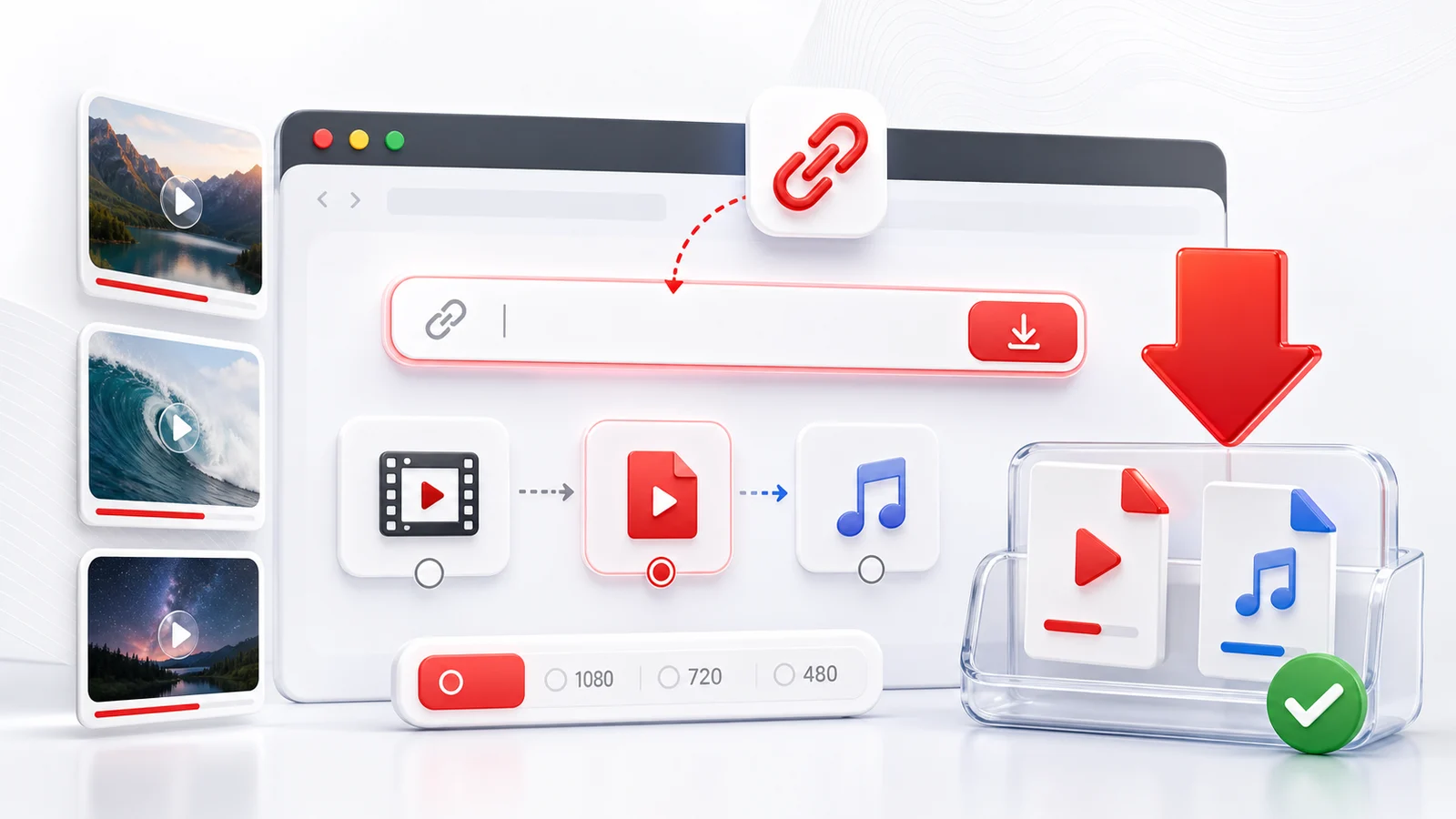
Any4K's Instagram video downloader saves public Instagram videos directly from your browser. Paste a post URL, Reel URL, or IGTV URL, wait for the parse, then choose the available format.
What This Page Is For
Use this page when you have a public Instagram link and want a fast download:
- Save public Instagram feed videos as MP4.
- Save Reels in the highest available quality.
- Save longer IGTV-style videos.
- Save Story posts that are still public and within their 24-hour window.
Any4K handles the parse server-side and lists every format the source exposes.
Supported Instagram Link Formats
- Feed posts:
instagram.com/p/{shortcode}/ - Reels:
instagram.com/reel/{shortcode}/orinstagram.com/reels/{shortcode}/ - IGTV (legacy):
instagram.com/tv/{shortcode}/ - Stories: public Story URLs while active
If the link redirects to a login wall when opened in a private window, the post is restricted and cannot be downloaded.
Common Reasons a Download Fails
- Private account — the post is only visible to followers. Any4K cannot bypass that.
- Story expired — Instagram Stories vanish after 24 hours.
- Removed post — the original was deleted or hidden by Instagram.
- Carousel with mixed media — pick the specific video index in the carousel.
- Regional restriction — some music or content is blocked by territory.
When a download fails, opening the original URL in a private browser window is the quickest test: if you can see the video without logging in, Any4K can save it; if you cannot, neither can the tool.
Quality and Format Choices
Instagram typically serves video at 1080p or lower because the platform was built around mobile-first viewing. You will not see 4K or 8K on most Instagram videos because the source itself is capped. Most files come down as MP4 with H.264 video and AAC audio, playable on every device.
Responsible Use
Download only what you have the right to save: your own posts, public-domain material, or posts where the creator allows downloads. Respect Instagram's terms, copyright law, and the original creator's rights.
Instagram Quality and Container Specifics
Instagram is a mobile-first platform, and the video pipeline reflects that. The files you can pull down from a public post are almost always MP4 with an H.264 video track and an AAC audio track. That combination is the safest possible choice for cross-device playback, which is why Instagram standardized on it years ago and has not moved off it for the public web. You will not find HEVC, AV1, VP9, or any newer codec in a normal Instagram download, even when the original upload used one — Instagram transcodes everything to H.264 before serving it.
Resolution caps at 1080p in practice. Reels, feed videos, and IGTV-style long-form posts all top out at 1920x1080 for landscape framing, 1080x1920 for vertical 9:16 Reels, 1080x1080 for square posts, and 1080x1350 for the 4:5 portrait crop that the feed favors. You will occasionally see lower rungs (720p, 640px on the long edge) when Instagram decides the source did not justify a high-bitrate ladder, but you will not see anything higher. There is no 4K output and no HDR output on Instagram. If the creator uploaded a 4K HDR master, Instagram tone-mapped it to SDR and downscaled it before the post ever went live; the high-resolution original is not retrievable from the public CDN.
Audio is typically encoded at around 128 kbps AAC, mono or stereo depending on the source. That is enough for clear speech and reasonable music playback but well below what a music-focused platform would serve. If you are saving a Reel for the audio specifically, expect the same fidelity you hear in the app — there is no higher-quality stream hiding underneath.
The other quality note that often surprises people: 1080p on Instagram looks softer than 1080p on YouTube. Both are nominally the same resolution, but Instagram applies a heavier compression pass on the way in. YouTube reserves bitrate budget per resolution rung and lets longer-form content breathe; Instagram squeezes every video through a tighter encoder because it expects mobile viewing on small screens, often with the sound off. The pixel count is identical, but the per-pixel quality is not. This is a property of the platform, not of the downloader.
Carousel Posts: Selecting Individual Items
Carousel posts (the swipeable albums) can hold up to ten items, and those items can mix photos and videos freely. A single carousel might be photo, photo, video, photo, video — and the share link points at the carousel as a whole, not at any one item. The URL shape is the same as a single post: instagram.com/p/{shortcode}/. There is no item index in the public URL itself; the index is carried in the page state.
This matters when a naive downloader sees a carousel and grabs only the first item. If that first item is a photo, you end up with a JPEG when you wanted the video buried at position three. Any4K's Instagram parser walks the full carousel manifest, lists every video item it finds, and lets you pick the one you want. If the carousel contains only photos with no video children, the parse returns nothing and the page reports that there is no downloadable video — which is the correct outcome, even though the post itself is real.
If you want a specific item and the tool offered the wrong one, the workaround is to open the post in a browser, swipe to the item you want, and confirm the carousel index visually before pasting the URL again. The position is preserved in the page session even though the URL does not change.
Saving Instagram Stories Within the 24-Hour Window
Stories live for 24 hours and then disappear from the public surface. If you want to save one, you need to act inside that window. The URL format is instagram.com/stories/{username}/{story_id}/, which is different from the post and Reel formats — the Story ID is a numeric string, not a shortcode, and the username is part of the path. Copy that URL while the Story is still live and paste it into Any4K the same way you would paste a post link.
Once the 24 hours elapse, the Story manifest returns an empty response and there is nothing for any tool to fetch. The video is not hidden behind authentication at that point; it is simply gone from the public CDN. No downloader can recover an expired Story from outside Instagram.
Highlights are a separate case. Highlights are Stories the account owner has chosen to pin to their profile after expiry, and they use a different URL pattern entirely (instagram.com/stories/highlights/{highlight_id}/). Highlights persist indefinitely and behave more like regular posts as far as parsing is concerned.
Private-account Stories are not retrievable from outside the follower graph. If the account is set to private and you do not follow it, you cannot see the Story in your own browser, and a downloader cannot either. The same restriction applies to close-friends-only Stories even when the account is public — those are scoped to a specific audience list and never enter the public manifest.
Why an Instagram Download Might Fail (Step-by-Step Diagnosis)
When a parse fails, six causes account for almost every case. Diagnose in this order:
- Private account. Open the URL in a private browser window with no Instagram session. If you see a login wall, the post is gated. Any4K cannot bypass that gate, and no public tool can.
- Deleted or removed post. Instagram serves a page titled "Sorry, this page isn't available" when the shortcode no longer resolves. If you see that message in a private window, the source is gone and the URL is no longer valid.
- Story expired. Check the timestamp on the Story if you have it. If more than 24 hours have passed since it was posted, the manifest is empty. There is no recovery path.
- Carousel without a video. If the post is a carousel of photos only, there is nothing for a video downloader to return. Confirm by swiping through the carousel — if every item is a still image, the parse result is correct.
- Region or age restriction. Some videos are blocked in specific countries, often because of the music track licensing. Open the URL through a different network or country to confirm. Age-restricted posts behave similarly and require a logged-in adult session that the parser does not have.
- Tracking parameters confusing the parser. Share links often arrive with
?igsh=...,?utm_source=..., or similar suffixes. Most parsers handle these correctly, but if a paste fails, strip everything after the trailing slash of the shortcode and try again with the clean canonical URL.
Running through this list takes under a minute and resolves nearly every "it didn't work" report without further debugging.
Using Saved Instagram Videos Responsibly
Saving a video to your own device is a technical act; how you use it afterwards is a legal and ethical one. Fair use covers commentary, criticism, education, and parody in many jurisdictions, but the boundary is narrower than people often assume — and Instagram's terms of service add their own constraints on top of copyright law. Read Instagram's terms at help.instagram.com/581066165581870 before reposting anything that is not yours.
When you do repost, credit the original creator visibly. Tag the account, name them in the caption, and leave any on-video watermark intact rather than cropping it out. Creators notice, and platforms increasingly enforce attribution. If a creator asks you to take a repost down, take it down — that is the lowest-friction way to keep the practice sustainable for everyone.
Downloading your own content for backup is always fine. Any4K is genuinely useful for that case: pull your archive locally before an account change, before a platform migration, or simply to keep a personal copy of work you uploaded. That use case carries no copyright or terms-of-service exposure and is the cleanest reason to keep a downloader bookmarked.
Frequently Asked Questions
Can Any4K download private Instagram videos?
No. Any4K can only process publicly accessible Instagram posts. Private accounts, archived posts, close-friends-only Stories, and deleted posts cannot be downloaded.
Does Any4K support Instagram Reels?
Yes. Use the Reel share link the same way you would a regular post link. See the dedicated /instagram-reels-downloader page for Reel-specific notes.
What about Instagram Stories?
Stories disappear after 24 hours and are not always publicly accessible. Any4K supports public Story posts when the source remains available; private Stories are not supported.
Is there a watermark on the downloaded file?
Any4K does not add a watermark. Instagram itself may embed a logo or username in some video formats — that is a property of the source, not of Any4K.
Does this work on iPhone and Android?
Yes. The tool runs in any modern mobile browser, so you can save Instagram videos directly to your phone storage on iOS and Android.