YouTube Shorts Downloader
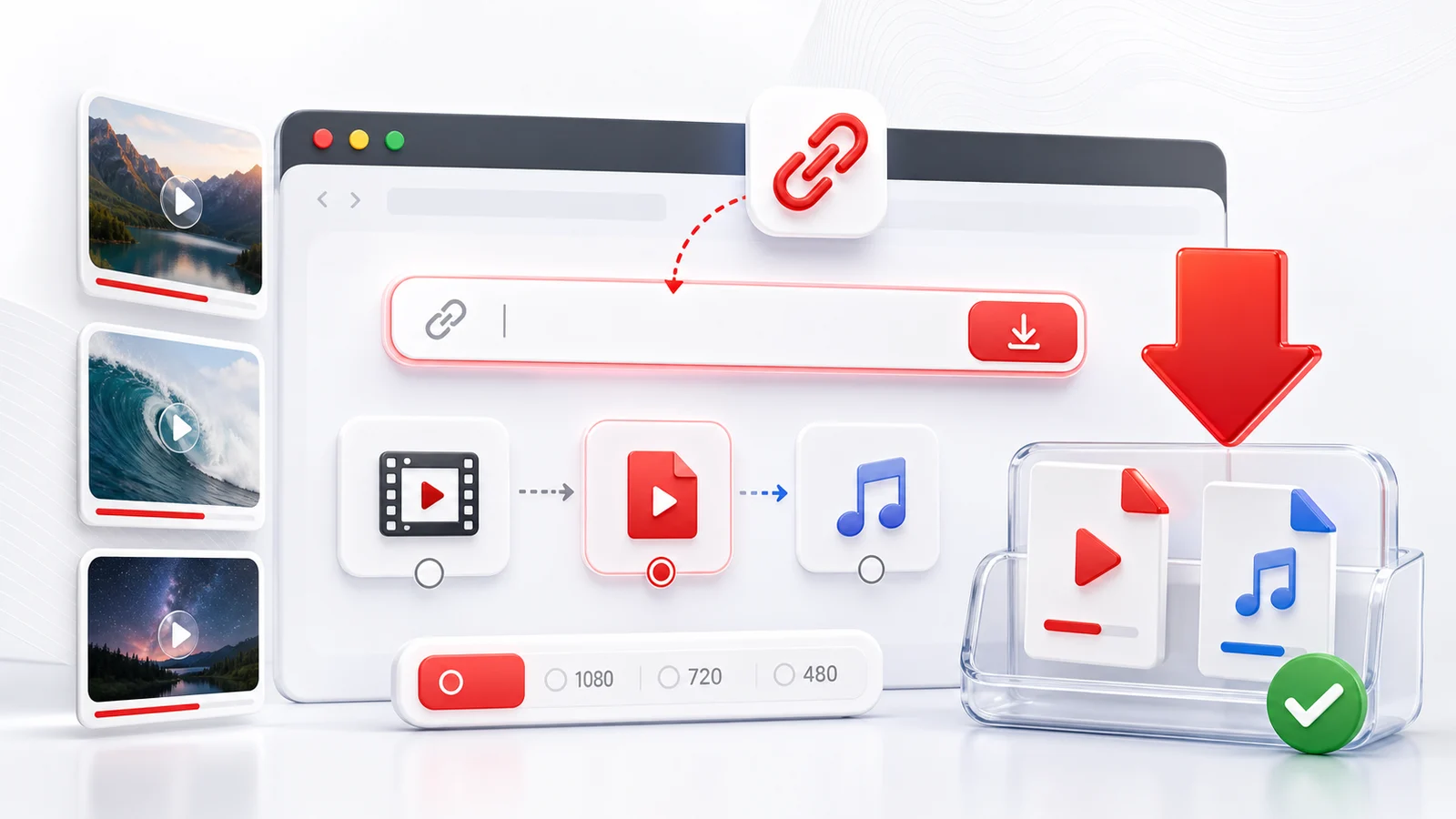
YouTube Shorts are short vertical videos, but they are still YouTube videos. Any4K can process public Shorts links and show the available download formats when the source allows it.
How To Download YouTube Shorts
Open the Short, copy its share link, paste it into the Any4K downloader above, and choose the available video format. On mobile, you can copy the link from the YouTube app share sheet and open Any4K in your browser.
When This Page Is Better Than A General YouTube Downloader
Use this page when your search intent is specifically about Shorts. The workflow is similar, but Shorts users usually care about fast mobile saving, vertical playback, and quick reuse on a phone. If you are downloading long-form videos, use the main YouTube downloader page.
Download Quality
Shorts quality depends on the original upload and the formats YouTube exposes. Some Shorts may only show a small set of options. Choose MP4 when available if you want a file that is easy to replay or move between devices.
Always use saved Shorts responsibly. Do not repost creator content without permission.
YouTube Shorts URL Formats
Shorts can appear in several URL shapes, and Any4K accepts all of the common ones. The canonical Shorts link looks like youtube.com/shorts/{id}, where the eleven-character identifier is the same kind of video ID used elsewhere on YouTube. When you tap the Share button inside the YouTube mobile app, you often get a youtu.be/{id} short link, and this short link sometimes redirects to the Shorts player and sometimes to the standard watch page depending on the device that opens it.
Mobile browsers may add an m. subdomain, producing m.youtube.com/shorts/{id}, and embedded players use youtube.com/embed/{id} style URLs. There is also the fallback case where the same content can be reached as a regular video URL, such as youtube.com/watch?v={id}. Pasting any of these into Any4K should resolve to the same underlying source, so you do not need to convert the URL yourself before pasting. If a link contains extra tracking parameters after a question mark, leaving them in is fine; the downloader will read the video ID and ignore the rest.
Quality and Aspect Ratio Specifics
Shorts are shot and displayed in a 9:16 vertical aspect ratio. The most common upload resolution is 1080x1920, which gives you a clean 1080p vertical file on download. Many Shorts top out at 720x1280 because the original recording came straight from an older phone camera or because the creator chose a lower export setting. In practice, the resolution you see in Any4K is the resolution that YouTube serves back, not a target you can dial up.
Technically, Shorts can exist at 4K (2160x3840 vertical), but this is rare. Most Shorts creators record on a phone in handheld conditions and upload directly from the mobile app, which usually caps the export at 1080p. Unless a creator specifically filmed in a higher resolution on a recent flagship device and uploaded above 1080p, you should not expect a 4K option to appear. If your search intent is high-resolution downloads, the main YouTube downloader page is a better fit because long-form uploads more often include 1440p and 2160p variants.
Shorts vs Regular YouTube Videos vs Reels vs TikTok
It helps to know where Shorts sit in the short-form landscape, because the same clip is often cross-posted across several platforms.
- YouTube Shorts: vertical 9:16, up to 3 minutes on most accounts, lives inside the YouTube app and the Shorts shelf on the watch page.
- Regular YouTube videos: any aspect ratio, no strict length cap, served through the standard watch URL and supporting longer-form formats up to 4K and beyond.
- Instagram Reels: vertical 9:16, currently up to 90 seconds, distributed inside Instagram and sometimes mirrored to Facebook.
- TikTok: the original modern short-form format, vertical 9:16, length caps that have grown over time, watermarked when downloaded inside the app.
If you have a link, pick the page that matches the platform it came from. A YouTube Shorts URL belongs on this page, an Instagram Reels URL belongs on the Reels-specific Any4K page, and a TikTok URL belongs on the TikTok page. The platform-specific pages handle the URL patterns each service uses and surface the formats each service exposes.
Common Failure Modes for Shorts Downloads
Not every Shorts link resolves to a downloadable file. The most common reasons a Short will not load in Any4K mirror the same reasons a Short will not play normally in the YouTube app.
- Private channel or unlisted: if the creator set the channel or the Short itself to private, no public download path exists. You will typically see an error stating the video is unavailable.
- Removed Short: the creator deleted the Short, or YouTube removed it. The page returns a not-found state, and there is nothing to recover.
- Age-restricted Short: some Shorts are gated behind an age check. Public download tools cannot bypass this gate, and you will usually see an authentication error.
- Music-rights-blocked Short: many Shorts use copyrighted music. When the rights holder restricts a track in your region, the Short either plays without audio or is region-blocked entirely. Any4K will reflect whatever the source allows, so a regionally blocked Short may not return a usable format.
- Community guidelines takedown: Shorts that violated platform rules are taken down. The link still exists, but the underlying video is gone.
When a download fails, the cleanest first step is to open the Short directly in the YouTube app or in a clean browser tab. If it does not play there either, the limitation is on the source side, not on Any4K.
Repurposing Saved Shorts for Other Platforms
A common reason people save Shorts is to re-upload similar content to TikTok or Reels, or to keep a personal archive of clips they appear in. The practical workflow is short.
- Save the Short with Any4K and confirm the file plays back on your device.
- Open a mobile editor such as CapCut or InShot and import the saved MP4.
- Trim the start or end if there is dead air, and add or replace music if the original audio is rights-restricted on the destination platform.
- Export at 1080x1920 to preserve the vertical frame.
- Upload to TikTok, Reels, or back to your own YouTube account.
Because Shorts are already 9:16, you almost never need to reframe the video. The aspect ratio is already what TikTok and Reels expect, which is the main reason cross-posting between these platforms is so common.
One last reminder: always respect creator rights when reposting. Downloading a Short for personal viewing is different from re-uploading someone else's work under your own handle. When in doubt, ask the creator, credit them visibly, or stick to your own footage.
Frequently Asked Questions
Can Any4K download YouTube Shorts?
Yes. Paste a public YouTube Shorts URL and Any4K will try to show the available video download formats.
Do Shorts download in vertical format?
Shorts are usually vertical videos. The downloaded file follows the format exposed by the original public video.
Can I download someone else’s Shorts?
Only download Shorts when you have permission or a lawful reason. Respect creator rights and platform terms.