YouTube Thumbnail Downloader
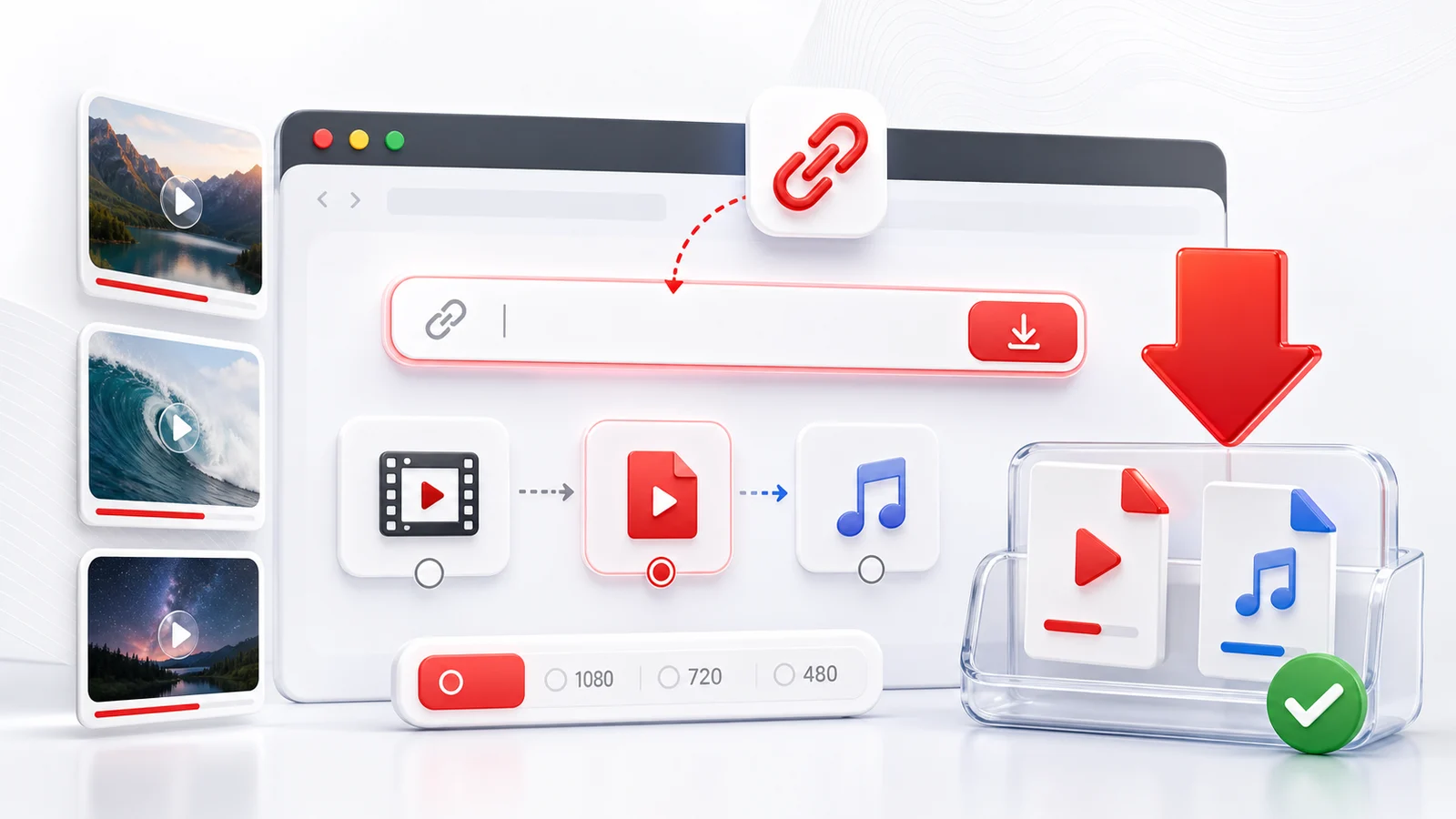
YouTube thumbnails are often the fastest way to identify a video, prepare notes, or organize saved media. Any4K can load public YouTube video information and show the thumbnail when the source exposes it.
How To Get A YouTube Thumbnail
Copy the YouTube video URL, paste it into the downloader above, and wait for Any4K to fetch the public metadata. If a thumbnail is available, it appears with the video information.
When Thumbnail Downloading Helps
Thumbnail access is useful for content audits, personal archives, classroom notes, research lists, and organizing your own videos. If you also need the video file, use the YouTube video downloader or YouTube to MP4 page.
Rights And Attribution
Do not assume a thumbnail is free to reuse. If you plan to publish, remix, or use a thumbnail commercially, confirm that you have permission from the rights holder.
Frequently Asked Questions
Can I get a YouTube thumbnail from a video URL?
Yes. Paste a public YouTube video link into Any4K to load video information, including the thumbnail when it is available.
Are YouTube thumbnails always high resolution?
Thumbnail resolution depends on the original video and what YouTube exposes for that video.
Can I reuse a YouTube thumbnail?
Only reuse thumbnails when you have the right to do so. Thumbnails may be protected by copyright or creator rights.