Instagram Reels Downloader
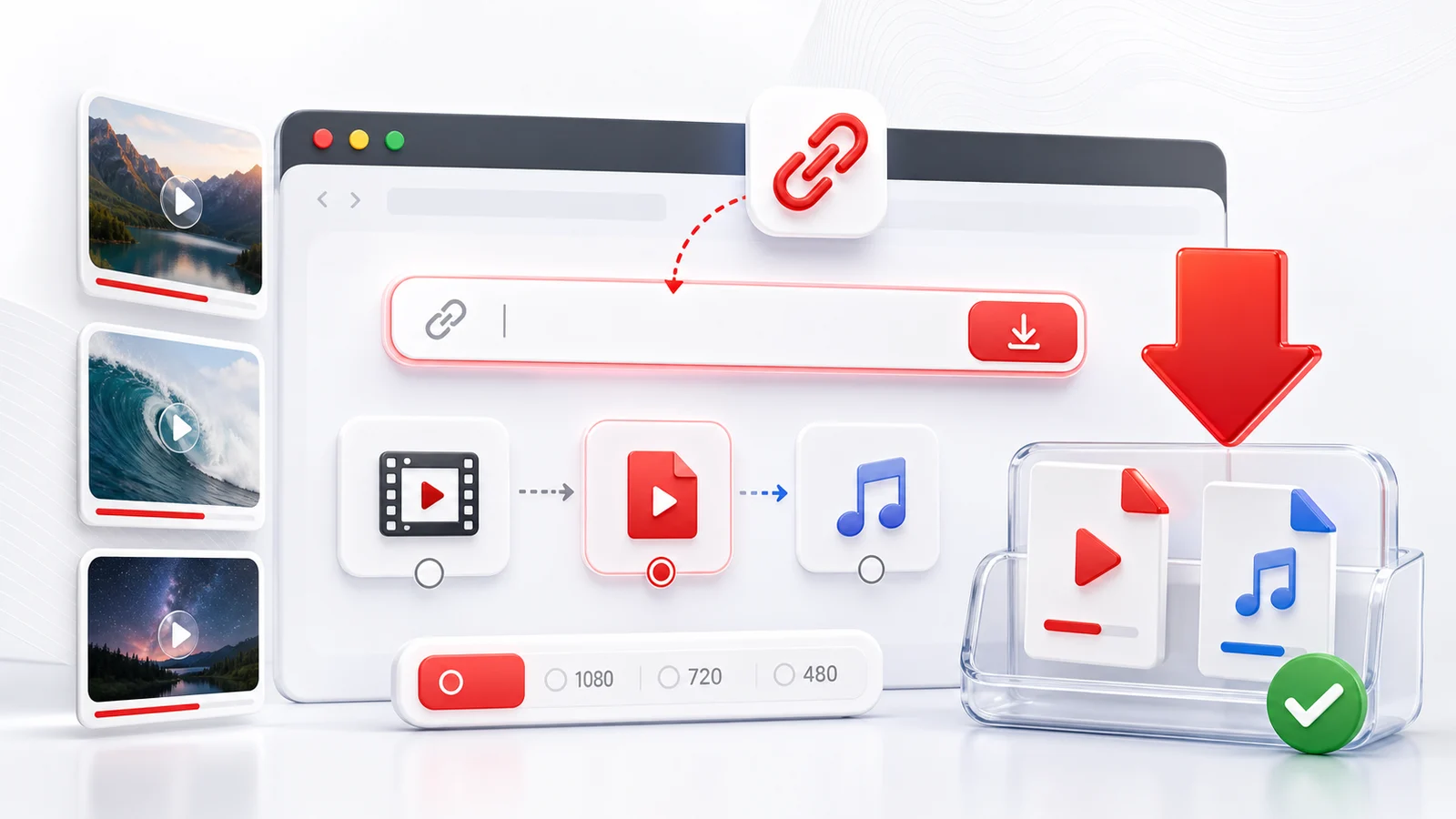
Any4K's Instagram Reels downloader saves public Reels as MP4 files. Paste the Reel share URL into the parse bar and pick the format that fits.
What Makes Reels Different from Regular Instagram Posts
Reels are vertical short videos (typically 9:16, 15-90 seconds) and live in their own URL space (/reel/...). They get more aggressive caching and CDN routing than feed posts, which means a Reel that loaded fine in the app may sometimes need a few seconds to parse externally. Any4K handles the difference transparently — paste the link and we route it correctly.
Reel URL Formats Any4K Recognizes
https://www.instagram.com/reel/{code}/https://www.instagram.com/reels/{code}/https://instagram.com/reel/{code}/(no www)- Share links via
instagram.com/...?igsh=...
All of these resolve to the same underlying post. Paste whichever you copied.
Use Cases This Page Supports
- Save a Reel you created for backup or repurposing on TikTok / YouTube Shorts.
- Save a Reel for offline viewing.
- Save a public dance / recipe / tutorial Reel you want to reference later.
- Save promotional Reels you have permission to redistribute.
Quality Notes for Reels
- Source quality: most Reels are 1080x1920 H.264 MP4 at 25-30fps.
- Sound: Reels usually carry audio in AAC at 128kbps.
- Frame rate: 60fps Reels are rare but do exist; Any4K will list them when present.
- HDR: some recent iPhone-shot Reels include HDR metadata; the MP4 plays normally on standard displays.
When the Download Fails
- Check the link in a private browser window. If you cannot view the Reel without logging in, it is private or restricted — Any4K cannot download it.
- Try removing tracking parameters (
?igsh=...) and pasting the clean/reel/{code}/URL. - Confirm the Reel still exists — search for the creator's profile and verify it has not been deleted.
Responsible Use
Download Reels only when you have the right: your own content, public-domain material, or content where the creator allows it. Always credit the original creator if you repurpose Reels on another platform.
Reels Source Quality vs Downloaded Quality
A Reel that looks crisp inside the Instagram app may save to disk noticeably softer, and the reason is upstream of any downloader. Most phones record vertical video at 1080x1920 in the 9:16 aspect ratio, and that is the file the creator hands to Instagram. Instagram does not serve that original master back out. The platform re-encodes on upload, and the encoder it routes the upload to depends on several signals: the size of the creator's account, the historical engagement on similar clips, the device the viewer is on, and the CDN edge that serves the request. Smaller accounts and lower-engagement clips often land on a more aggressive encoder ladder where the effective resolution is closer to 720p even when the container reports 1080p, because Instagram has stripped detail to keep the bitrate down. Larger creators with consistent engagement frequently get a higher-quality variant pushed to their viewers, sometimes at full 1080p with a generous bitrate.
This explains the gap between what you see in the app and what you save. Inside the app, Instagram can pick a higher-quality variant tuned to your device and connection. When Any4K parses the public link, we receive the variant Instagram's web endpoint exposes — typically the same one a non-logged-in browser would load. If the in-app viewer was getting a richer stream, the downloaded MP4 will look softer by comparison even though both come from the same Reel. The downloader did not lose quality; the public variant simply carries less of it. There is no parser trick to recover what the source never served. If a creator wants archive-grade copies of their own Reels, the only reliable path is to keep the original master before upload.
Audio Tracks on Reels: Music Rights and Format
Reels carry audio inside the same MP4 container as the video, muxed as a single AAC track at roughly 128 kbps. There is no separate audio-only stream that Instagram exposes for Reels, which is why every download arrives as a combined file rather than as a video plus a sidecar audio file. For most use cases this is fine — the muxed track plays back correctly in every modern player and edits cleanly in any video tool.
The complication is music rights. A large share of Reels use tracks from Instagram's licensed music library, and those licenses are negotiated region by region. A song that is licensed for playback in the United States may be unlicensed in Germany or Japan, and Instagram enforces that by muting or substituting the audio on a per-region basis. When Any4K fetches a Reel, we receive whatever variant Instagram is currently serving to public web requests. If the rights holder has pulled the track in your region, the audio you get back will be silent or replaced. This is not a downloader bug — it is the same audio you would hear if you opened the Reel in a logged-out browser from the same region.
Reels that use the creator's own recorded audio, often labeled "original audio" in the app, do not have this problem. The creator owns the recording, no third-party license applies, and the track passes through unchanged.
Original Sound vs Cover Songs and What Comes Through
The audio attribution on a Reel is more than a credit line — it determines what the public endpoint actually serves. When a Reel is tagged with original audio, the creator recorded that sound themselves: a voiceover, a live performance, dialogue, ambient capture, or a cover song they performed. There is no licensing layer between the recording and Instagram, so the audio comes through cleanly to anyone fetching the public variant, in any region, at any time.
When a Reel uses a track from Instagram's music library, the audio routes through Instagram's rights system on every request. Most of the time the track plays back unaltered. Some of the time, depending on the requesting region and the current state of the licensing deal, Instagram swaps in a different track or mutes the audio entirely. The swap can be surprising: a Reel that you remember as having a specific song may serve a different one when fetched from a different country.
Any4K serves whatever Instagram exposes at the moment we make the request. We do not have a private path to the original audio, and we cannot bypass regional music rights. If the audio matters and the Reel uses a licensed track, save it from a region where the track is licensed, or contact the creator for the original.
Reels for Cross-Platform Repurposing (TikTok, Shorts)
A common reason to download a Reel — usually one you created — is to repost it on TikTok or YouTube Shorts. The aspect ratio works in your favor: Reels, TikToks, and Shorts all live in 9:16, so there is no reframing, no letterboxing, and no awkward crop. The MP4 that Any4K returns can be uploaded directly.
A few platform-specific notes worth knowing. TikTok prefers H.264 video in an MP4 container with AAC audio, which is exactly what Instagram serves, so the file uploads without re-encoding in most cases. TikTok's length limit has moved up over time but the short-form sweet spot still sits well under 90 seconds — any Reel that fits as a Reel will fit as a TikTok. YouTube Shorts caps at 60 seconds; Reels longer than that need to be trimmed before upload, and the trimmed clip should still be vertical to stay in the Shorts shelf.
The etiquette question is separate from the technical one. If you are reposting your own Reel, you own it. If you are reposting someone else's, get permission and credit the creator visibly in the caption or as an on-video overlay. Many creators are happy to be reshared with credit and unhappy to be reshared without it. Instagram's own watermark, when present, is baked into the pixels and cannot be cleanly removed.
Reel Download Failure Modes and Two-Step Diagnosis
When a Reel link does not parse, the failure almost always falls into one of six modes. Each has a visible symptom and a quick diagnostic step.
- Private account. Symptom: Any4K reports the Reel cannot be accessed. Diagnostic: open the link in a private browser window. If Instagram shows a login prompt instead of the Reel, the account is private and no public-link downloader can reach it.
- Deleted Reel. Symptom: parse returns a not-found state. Diagnostic: visit the creator's profile and confirm the Reel is no longer listed. Cached share links continue to circulate after deletion.
- Sound restricted in your region. Symptom: parse completes, the video plays, but the audio is silent or replaced. Diagnostic: open the same link in a logged-out browser from your region — if the audio is gone there too, it is a regional rights mute, not a downloader issue.
- NSFW gate on certain accounts. Symptom: the parse fails or returns a placeholder. Diagnostic: the logged-out view will show an age-restriction interstitial. Reels behind that gate are not served to anonymous requests.
- Suspended creator. Symptom: the entire profile, not just the Reel, is unreachable. Diagnostic: search the creator's handle on Instagram. If the profile page itself is gone, the account is suspended and every Reel under it is offline.
- Cloaked share link with extra parameters. Symptom: the parse hangs or routes incorrectly. Diagnostic: strip the trailing query string — anything after
?igsh=is a share-tracking token, not part of the canonical URL. Pastehttps://www.instagram.com/reel/{code}/cleanly.
The two-step diagnosis pattern is simple: first reproduce the link in a logged-out browser from your own region, then strip query parameters. Those two checks isolate roughly 90 percent of failures to the right cause.
Reels vs Instagram Video Posts: When to Use Which Tool
Instagram now hosts video in two distinct URL spaces. Reels live at /reel/{code}/ and are the short-form vertical format described on this page. Regular feed video posts live at /p/{code}/ and can be any aspect ratio, including landscape and square, and are not bound by the Reels length conventions. The two formats share a similar player in the app but they route through different parser logic on our side because the underlying endpoints differ.
For a Reel link, use this page. For a feed video post, use the Instagram Video Downloader. Pasting a /p/ URL into the Reels tool, or a /reel/ URL into the feed video tool, will usually work because we cross-route when we detect the mismatch — but using the right page first is faster and gives you the correct format list on the first try.
Frequently Asked Questions
Can I download Reels without an Instagram account?
Yes, for public Reels. Any4K does not require you to log in. You only need the public Reel URL.
Why does my Reel link not work?
Most common reasons: the account is private, the Reel was deleted, or the link points to a region-restricted post. Open the link in a private browser window — if it shows a login prompt, the Reel is not public.
Does Any4K remove the Instagram Reel watermark?
Any4K serves the formats Instagram exposes. Some Reels are served with the original creator overlay baked in; that overlay is part of the video file itself and cannot be cleanly removed by any downloader.
What quality are Instagram Reels saved at?
Reels are typically 1080x1920 vertical at around 30fps. Any4K saves whatever the source serves — usually 720p or 1080p MP4.
Can I download Reels audio only?
Instagram does not serve audio-only Reel streams directly. To get just the audio, download the MP4 and use a converter, or use Any4K once we ship Reel-to-MP3 (in progress).