SaveFrom Alternative
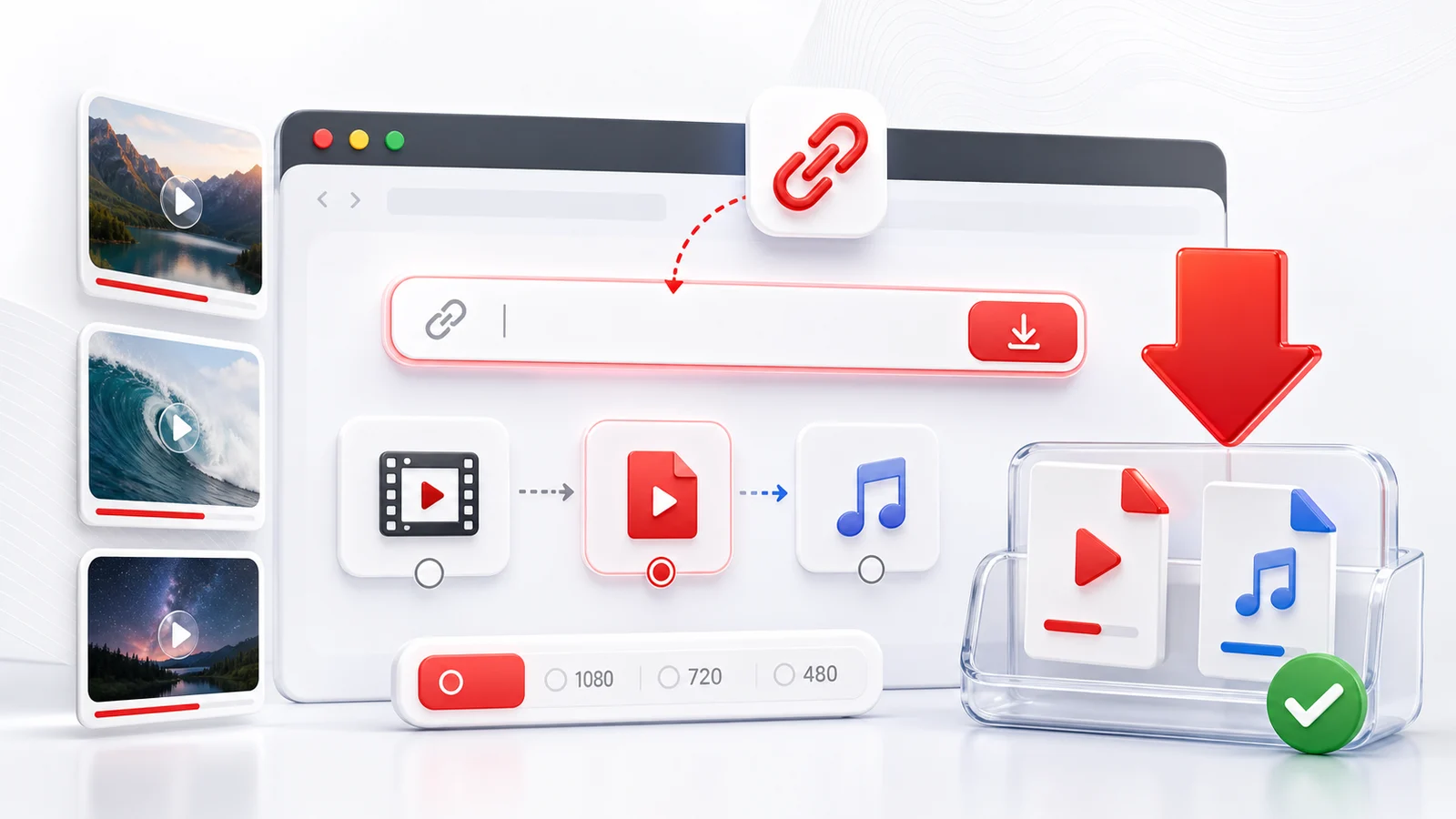
Any4K is a SaveFrom alternative for people who want SaveFrom's broad platform coverage without the SaveFrom Helper extension, without the popup ads, and with higher maximum resolution.
Why Users Migrate Away From SaveFrom
The pattern is consistent: someone uses SaveFrom for a quick YouTube download, gets prompted to install the SaveFrom.net Helper extension, dismisses it, then notices the available quality drops to 360p or 720p. The full 1080p+ options sit behind the extension. The extension itself has had security and adware complaints over the years.
Any4K skips that gate entirely. The browser does the download natively, and every quality the source video exposes shows up immediately.
Feature-by-Feature
| Capability | Any4K | SaveFrom (free, no helper) |
|---|---|---|
| Max YouTube resolution | 8K when source supports | Often 720p without helper |
| YouTube to MP3 quality | Multiple bitrates, including 320kbps | 128kbps common |
| TikTok downloads | ✅ | ✅ |
| Twitter/X downloads | ✅ | ✅ |
| YouTube Shorts | ✅ | ⚠️ Inconsistent |
| Browser extension required | ❌ | ✅ For full quality |
| Pop-ups / redirect ads | ❌ | ✅ |
| Watermark added to file | ❌ | ❌ |
| Public API | ✅ Documented | ❌ |
| Multi-language UI | ✅ 11 languages | ✅ Many languages |
| Domain stability | ✅ | ⚠️ Regional mirrors vary |
When SaveFrom Still Has the Edge
SaveFrom currently covers more sites — Instagram, Facebook, Vimeo, Dailymotion, Twitch, SoundCloud — than Any4K. If you regularly need Instagram Reels or Facebook video downloads today, SaveFrom (with the helper) is broader. Any4K is closing that gap; check the homepage for the current platform list.
If platform breadth is the deciding factor and resolution does not matter, SaveFrom can be the right tool. If you mostly use YouTube/TikTok/Twitter and want higher quality without an extension, Any4K is the better fit.
How to Move Your Workflow
If you used a bookmark to SaveFrom for YouTube videos: replace it with /youtube-video-downloader. For MP3 audio: /youtube-to-mp3. For TikTok: /tiktok-video-downloader. For Twitter/X: /twitter-video-downloader. No extension to uninstall — you can remove the SaveFrom Helper from your browser if you no longer need it.
Responsible Use
Save only what you have the right to keep. Respect platform terms, copyright law, and the original creators.
Frequently Asked Questions
Why look for a SaveFrom alternative?
SaveFrom requires the SaveFrom.net Helper browser extension for most quality options, surfaces aggressive ads, and the highest free quality is often capped at 720p. Users who want native browser downloads, higher resolution, and a cleaner interface look elsewhere.
Does Any4K need a browser extension?
No. Any4K runs entirely in the browser as a normal web app. There is no extension to install, no permission prompts, no auto-updating helper script.
Can Any4K match SaveFrom platform coverage?
Any4K covers YouTube, TikTok, Twitter/X, YouTube Shorts, and is expanding to Instagram, Facebook, and Reddit. SaveFrom covers more platforms today, but Any4K has higher max resolution (8K vs typically 1080p) and exposes a public API.
Is Any4K really free?
Yes. Free, no signup, no watermarks, no quality lock behind a paywall.