Y2Mate Alternative
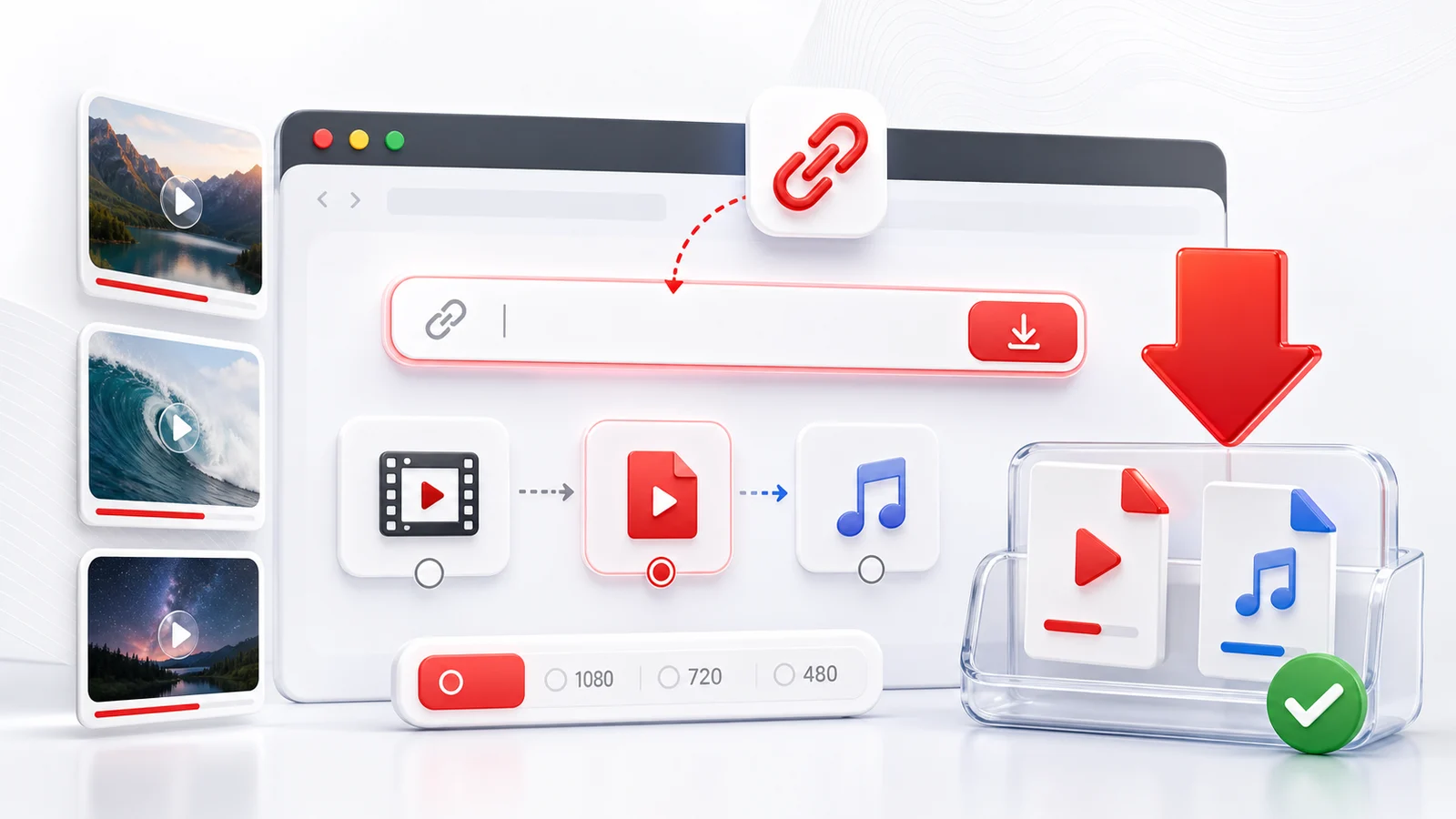
Any4K is the cleaner Y2Mate alternative for people who used Y2Mate for one task — saving a YouTube video — and got tired of redirect chains, fake "download" buttons, and 360p quality ceilings.
What Y2Mate Users Usually Want
Most people land on Y2Mate from a Google search like "youtube to mp3" or "download youtube video." The job-to-be-done is simple: paste a link, get a file. Any4K does that job without:
- Multiple new tabs opening when you click download.
- Push-notification prompts in the corner.
- A "you need to install this extension first" wall.
- Watermarks added to the output file.
The flow is: paste → pick a format → save. That is the whole product.
Any4K vs Y2Mate Feature Comparison
| Capability | Any4K | Y2Mate (typical mirror) |
|---|---|---|
| YouTube downloads | ✅ Up to 8K when source supports | ✅ Usually capped at 720p MP4 |
| YouTube to MP3 | ✅ Multiple bitrates | ✅ Mostly 128-192kbps |
| TikTok downloads | ✅ Built-in | ❌ Not on most mirrors |
| Twitter/X video downloads | ✅ Built-in | ❌ Not on most mirrors |
| YouTube Shorts | ✅ Dedicated page | ⚠️ Inconsistent |
| Thumbnail downloads | ✅ | ❌ |
| Multi-language UI | ✅ 11 languages | ⚠️ Varies by mirror |
| Public API for developers | ✅ Documented at /api | ❌ |
| Notification popups | ❌ None | ✅ Often present |
| Tab redirects | ❌ None | ✅ Often present |
| Domain stability | ✅ Single domain | ❌ Frequent domain hops |
Why Y2Mate Keeps Changing Domains
Y2Mate has cycled through y2mate.com, y2mate.ch, y2mate.nu, v3.y2mate.nu, and several others. Each move usually follows a takedown or a domain registrar action. From a user's perspective this means:
- Bookmarks break.
- Search results point to dead mirrors.
- Some "Y2Mate" sites are unrelated copycats serving worse content.
Any4K runs on a single primary domain with a stable URL structure, which makes it easier to bookmark and reuse.
When Y2Mate Might Still Make Sense
If you only ever download from YouTube, only ever need MP3 audio at 128kbps, and do not mind the popups, Y2Mate works. For everything else — TikTok, Twitter, Shorts, higher quality, multiple platforms in one place, no popup risk — Any4K is a closer match.
How to Switch
There is nothing to install. Visit any4k.com, paste the same YouTube URL you would have used at Y2Mate, and pick the quality you actually wanted (not the one the popup pushed you toward). If you bookmarked a Y2Mate page, replace it with /youtube-video-downloader or /youtube-to-mp3.
Frequently Asked Questions
Is Y2Mate still safe to use?
Y2Mate has moved between domains many times and shows aggressive ads, redirects, and notification prompts on most mirrors. Browser warnings about deceptive sites have flagged some Y2Mate mirrors in the past. If you want the same download capability without the popup risk, a cleaner alternative is the safer choice.
What is the main difference between Any4K and Y2Mate?
Any4K caps at 4K and 8K (when source supports), works across YouTube, TikTok, and Twitter from one interface, has no notification prompts or redirects, and exposes a developer API. Y2Mate is primarily a YouTube-to-MP3 site with quality limits around 360p video and 192kbps audio on many mirrors.
Can I get higher quality with Any4K than Y2Mate?
Yes. Most Y2Mate mirrors cap MP4 at 360p or 720p. Any4K shows every quality the source video exposes, including 1080p, 1440p, 2160p (4K), and 4320p (8K) when available.
Does Any4K cost money?
No. Any4K is free. There is no premium tier for video downloads. We do not require signup or watermark the files we save.