Downloading Age-Restricted YouTube Videos With yt-dlp
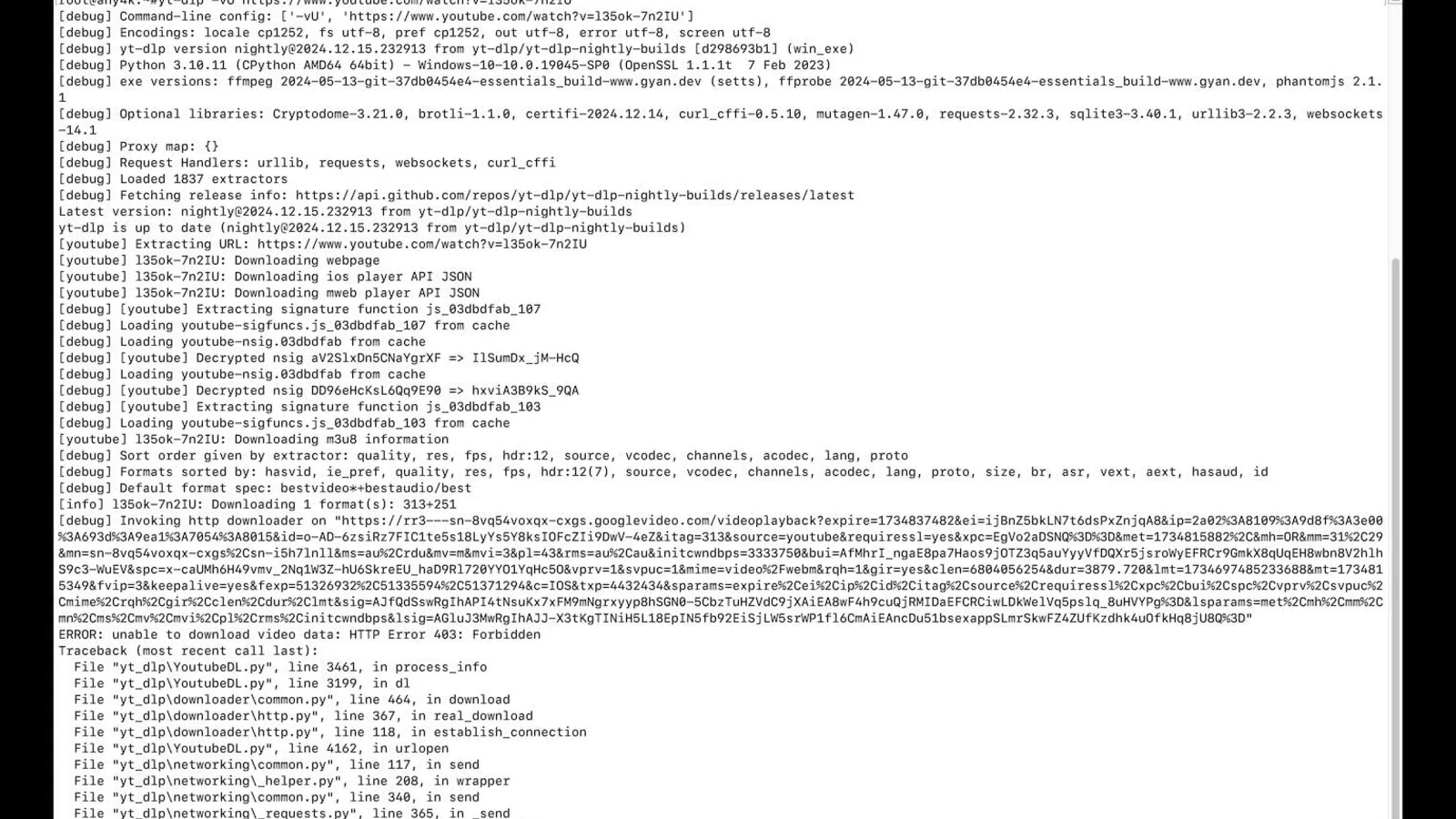
What This Error Looks Like
yt-dlp prints something like:
ERROR: [youtube] {VIDEO_ID}: Sign in to confirm your age. This video may be inappropriate for some users.
YouTube has flagged the video as 18+ and gates the stream behind a signed-in, age-verified account. yt-dlp by default downloads anonymously, so it cannot pass the gate.
The Cookie Route
Export the cookies from a logged-in browser session and feed them to yt-dlp:
yt-dlp --cookies-from-browser firefox {URL}
# or
yt-dlp --cookies-from-browser chrome {URL}
# or with a Netscape cookies.txt file
yt-dlp --cookies cookies.txt {URL}
This works when the account that exported the cookies is age-verified by YouTube. If the account was created with a birthdate under 18 or has not gone through age verification, the cookies will not help.
Important: do not commit cookie files to git. They contain session tokens that grant access to your YouTube account.
The OAuth Route
yt-dlp also supports interactive OAuth in some builds:
yt-dlp --username oauth2 --password '' {URL}
It prints a device code, you visit youtube.com/activate, type the code, and yt-dlp uses the resulting token. This avoids exporting cookies and gives you a more durable session.
When Neither Works
- The video is from a region where YouTube requires government-ID verification (parts of EU). Even logged-in accounts may be blocked until they upload an ID.
- The uploader marked the video as "private after upload."
- The video was age-gated and later removed; the URL still resolves but the stream is gone.
In these cases, no downloader can bypass the gate. The content is genuinely unavailable to your account.
Using Any4K Instead
Any4K accesses public stream URLs and does not log in to your YouTube account, so it cannot bypass age gates on its own. For videos that are publicly viewable (not age-restricted) but were giving you other errors, Any4K handles them at any4k.com without any cookies or OAuth setup.
For genuinely age-restricted videos, the path is:
- Make sure your YouTube account is verified and 18+.
- Use yt-dlp with
--cookies-from-browserto pass that verification to the download. - Keep the cookie file private.
Advantages of Any4K for Non-Age-Gated Videos
- No cookie management: nothing to export, store, or rotate.
- No login needed: works anonymously for public videos.
- Higher quality maxima: up to 8K when source supports.
- Multi-platform: YouTube, TikTok, Twitter, Instagram, Facebook, Reddit, Shorts.
Conclusion
Age-restricted YouTube videos require a verified-account session, which means yt-dlp with --cookies-from-browser or OAuth. For everything else, Any4K Video Downloader is the simpler path.