Facebook Video Downloader
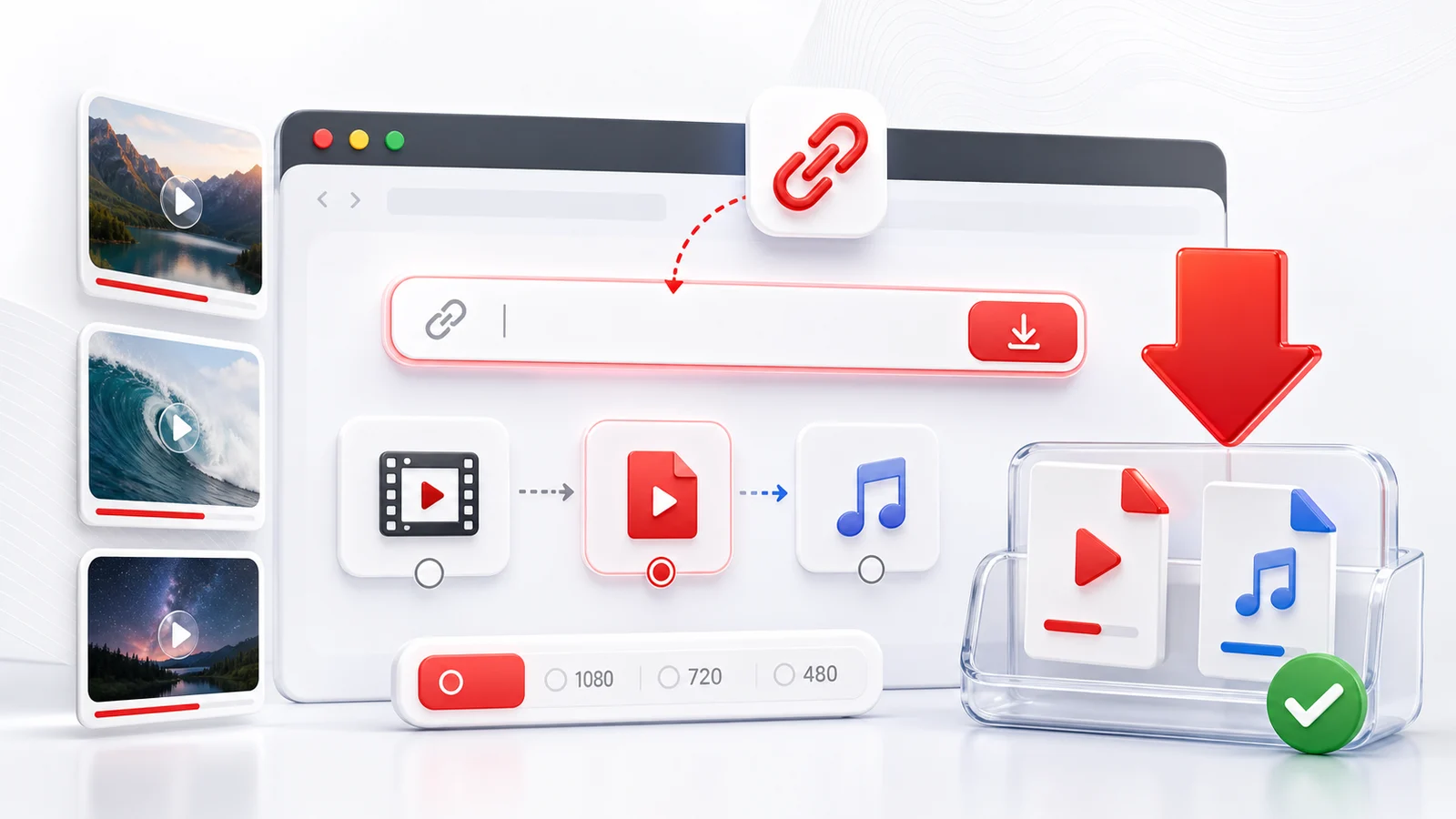
Any4K's Facebook video downloader saves public Facebook videos straight from your browser. Paste a video URL, a Reel URL, or a Watch URL, and choose the format that fits your device.
Supported Facebook URL Formats
- Direct video links:
facebook.com/watch?v={id},fb.watch/{code} - Reels:
facebook.com/reel/{id}orfacebook.com/{user}/videos/{id} - Page posts containing video:
facebook.com/{page}/posts/{id} - Embedded video shares from groups, when the post is public
If you only see the Facebook login wall when opening the link in a private window, the video is not public and Any4K cannot download it.
HD vs SD on Facebook
Facebook serves video in two main tracks per upload:
- HD (720p or 1080p) — available when the original was uploaded above 720p. Larger file, sharper image.
- SD (480p or lower) — always available as a fallback. Smaller file, fine on phone screens.
If the HD option is missing, the source was uploaded at SD. No tool can recover quality that was not in the original upload.
Common Reasons a Download Fails
- Private post — only friends, group members, or the original uploader can see it.
- Removed video — the uploader deleted it or Facebook took it down.
- Region-blocked — some music-rights or news content is unavailable in certain countries.
- Live in progress — wait for the live to end and the recording to be posted publicly.
- Cross-shared from a private profile — the surface looks public but the underlying source is locked.
A two-second check: open the URL in a private browser window. If you can watch it without logging in, Any4K can save it.
Reels and Watch on Facebook
Facebook Reels are short vertical videos (typically 9:16) and behave like Instagram Reels for download purposes. Facebook Watch is the long-form video destination — many Watch videos run 5-30 minutes and Any4K saves them the same way as standard feed videos.
Responsible Use
Save Facebook videos only when you have the right: your own uploads, public-domain material, content the creator has allowed you to redistribute, or fair-use cases under your jurisdiction. Respect Facebook's terms and original creator rights.
Facebook Video Source Quality Realities
Facebook's video encoder is more aggressive than YouTube's, and that is the single biggest surprise for people who download from both. A 1080p file pulled from Facebook will look softer and blockier than a 1080p file from YouTube, even when the original uploads were identical.
The reason is bitrate. Facebook delivery sits around 1-3 Mbps for 1080p and roughly 0.6-1.2 Mbps for 720p. YouTube delivers the same resolutions at roughly 5-8 Mbps and 2-3 Mbps. That is a 3-5x compression ratio difference at the same nominal resolution — same pixel count, less information per pixel.
Facebook makes this choice deliberately, optimizing for newsfeed bandwidth: most viewers watch on mobile, often on cellular, often scrolling past in seconds. Aggressive compression keeps the feed fluid and data costs low.
The practical implication: do not expect a Facebook 1080p download to match a YouTube 1080p download. If a video was cross-posted to both, the YouTube version will be the better source. Any4K saves whatever Facebook serves — it cannot recover detail the encoder discarded.
Watch, Reels, Live Replays, and Page Posts: Four Different Beasts
Facebook is not one video product. It is at least four, each with slightly different URL shapes, quality envelopes, and edge cases for downloads.
Feed Watch videos are long-form horizontal videos with URLs like facebook.com/watch?v={id} or fb.watch/{shortcode}. Quality goes up to 1080p when the upload supports it. These behave most predictably for downloading.
Reels are vertical 9:16 short videos capped around 90 seconds, with URLs like facebook.com/reel/{id}. Resolution is typically 720x1280 or 1080x1920. Reels are the surface most likely to be region-blocked because of music licensing.
Page posts with attached video look like facebook.com/{page}/posts/{id} or facebook.com/{page}/videos/{id}. The gotcha: the post URL is not always the canonical video URL. For some posts you need to click into the video first so the URL bar updates to the /videos/{id} form, then copy that.
Live replays are recordings of past Facebook Live broadcasts. They become downloadable once the Live has ended and Facebook has finished processing the archive — usually a few minutes after the stream ends. A Live still in progress is not downloadable. Archived recordings often run 1-4 hours and produce large files even at SD.
Group Videos and Sharing Privacy Nuances
Facebook group videos are gated to members. If a video lives inside a private group, it is not externally downloadable. The URL may render a player when you are logged in as a member, but to an anonymous request — which is what a downloader makes — the response is the login wall. No tool can bypass this.
Cross-sharing has a useful wrinkle. When a video is shared from a private group to a public page, the public page's copy is a fresh, publicly accessible video and is downloadable. The original group copy remains gated. Same media, two privacy states, two URLs.
The diagnostic: open the suspect URL in a private browser window. If the video plays without a login prompt, it is public and Any4K can save it. If you hit a login wall, no downloader will help.
Facebook Watermarks and Source Attribution
Unlike TikTok, Facebook does not bake a watermark into its video files. A native Facebook upload comes down clean, with no logo or username overlay rendered into the pixels. This makes Facebook a friendly source for archival or fair-use re-editing.
The exception is re-uploaded content. A video that was originally on TikTok, then downloaded and re-uploaded to Facebook, will still carry the TikTok watermark — because that watermark was rendered into the pixels at the moment it left TikTok, long before Facebook ever saw the file. The same applies to YouTube clips with channel bugs, Instagram Reels with usernames, and any other source-side overlays.
There is no way to strip those watermarks. They are not metadata; they are part of the picture. Crop tools, blur tools, and AI inpainting can hide them with varying success, but the underlying pixels are gone. If you need a clean source for a video that was originally posted elsewhere, find the original upload on the original platform.
Facebook Video Failure Diagnosis: Six Common Patterns
When a Facebook download fails, the cause is almost always one of these six. Each has a two-step diagnostic.
- Private profile — the uploader's account is set to friends-only or limited audience. Test: open the URL in a private window. If you see the login wall, it is private. Fix: ask the uploader for a public share or a direct file.
- "Friends only" share — the video is public on its original page, but the specific share you have is locked to the sharer's friends. Test: find the original post (usually linked from the share). If the original is public, use that URL instead.
- Deleted post — the uploader removed the post, or Facebook took it down. Test: the URL renders a "content not available" page even when logged in. Fix: no recovery possible from a downloader.
- Region-blocked — rare on feed videos, common on Reels with copyrighted music. Test: try a VPN to a different country and see if the video plays. Fix: download from a region where the video is licensed, or accept that the audio rights gate it.
- Live still in progress — Facebook does not expose downloadable streams for in-progress Lives. Test: the page shows a red "LIVE" badge. Fix: wait for the broadcast to end and the archive to publish.
- Cross-posted from a private group — the surface page looks public but the underlying stream is gated to group members. Test: log out, refresh, and try to watch. Fix: ask the group admin for a public mirror, or request the source file directly.
Editing Facebook Downloads for Re-Sharing
Facebook serves MP4 files with H.264 video and AAC audio — the most universally compatible combination in consumer video. Every major editor imports this without transcoding: CapCut, iMovie, DaVinci Resolve, Adobe Premiere, Final Cut Pro, Shotcut, Kdenlive. Drop the file on the timeline and start cutting.
Re-uploading to YouTube generally means reframing vertical Reels to horizontal (1920x1080) if you want them in the main YouTube player rather than as Shorts. The reverse — horizontal Watch videos reframed to vertical — works best with content that has a clear center subject.
Cross-posting to TikTok requires aspect ratio confirmation. TikTok prefers 9:16 vertical at 1080x1920. A horizontal Watch video posted at 16:9 will display in a small letterboxed strip and underperform. Reframe before posting, or accept the letterbox cost.
Always credit the original source. Even when content is public and your use is fair, attribution is the difference between archival and theft. A line of credit in the description, or a visible on-screen credit in the first few seconds, costs nothing.
Frequently Asked Questions
Can Any4K download private Facebook videos?
No. Any4K can only process publicly accessible Facebook videos. Videos shared to "Friends only", private groups, or hidden posts cannot be downloaded.
Does it work for Facebook Reels and Watch videos?
Yes, for public Reels and public Watch videos. Paste the URL and Any4K will detect the format.
What quality can I get?
Facebook serves video at multiple qualities. When the source is HD (720p or 1080p), Any4K lists the HD option. Live broadcasts that were recorded and made public can be downloaded at their archived quality.
Why is HD not available for my video?
Older uploads, screen recordings re-posted to Facebook, and videos that were originally low-resolution cap out at SD. Facebook does not upscale, so the source determines the maximum.
Are Facebook live recordings supported?
Past live broadcasts that have been saved to the page and made public can be downloaded. Active live streams in progress are not supported.