YouTube Playlist Downloader
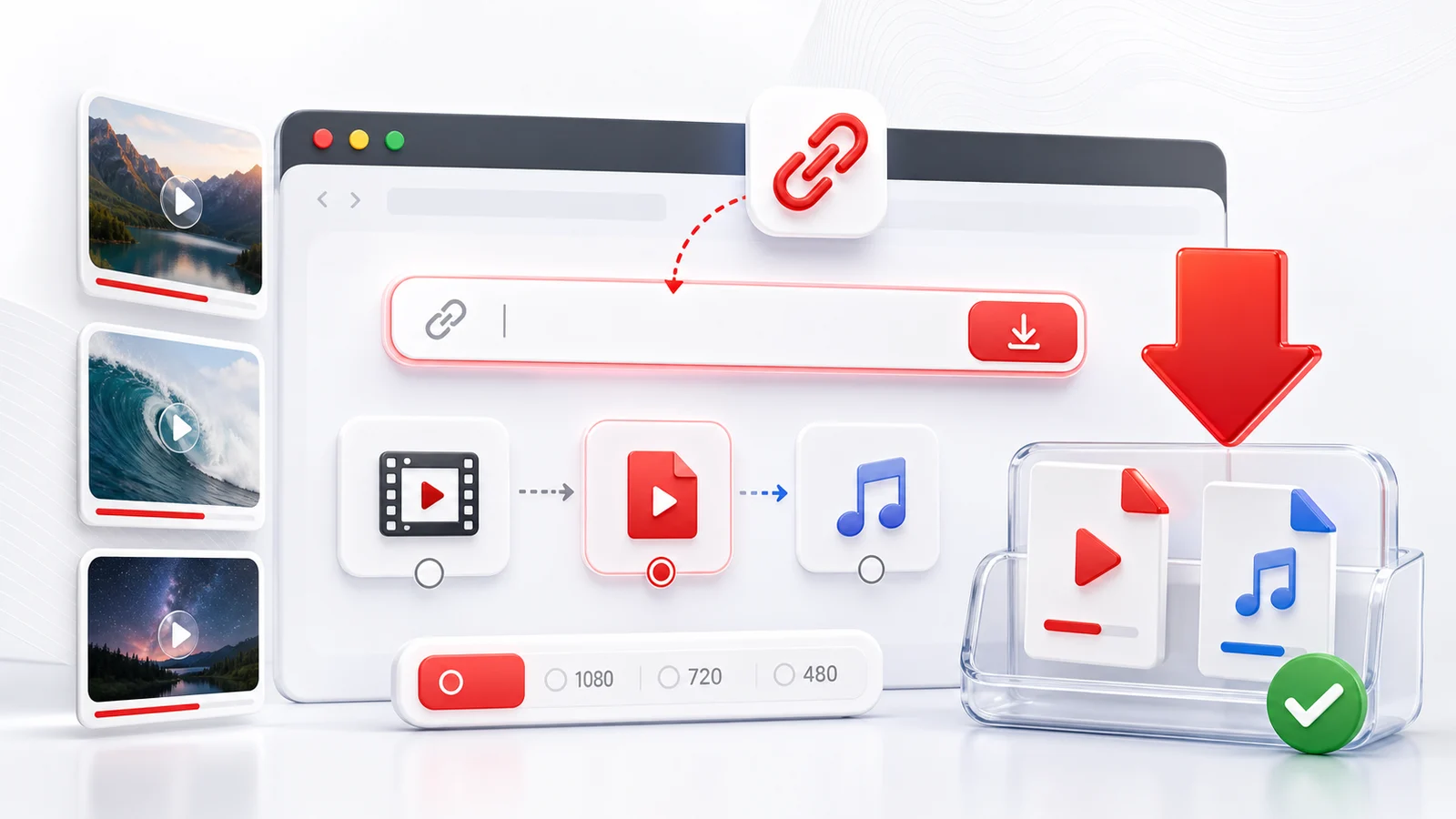
Any4K's YouTube playlist downloader is for public playlists, course lists, music collections, channel uploads, and saved video sets that are easier to review as a list. Paste the playlist URL, let Any4K load the public items, then open the videos you want to save.
When to use this playlist downloader
- You have a YouTube playlist and only need selected videos from it.
- You want to inspect titles, thumbnails, and durations before downloading.
- You need MP4 video for offline viewing or audio-only files for lectures and podcasts.
- You want a browser workflow instead of a desktop playlist downloader.
The playlist page is intentionally selective. A public playlist can contain private, deleted, livestream, duplicate, or irrelevant entries. Reviewing the list first keeps the download cleaner.
Supported playlist links
Use regular YouTube playlist URLs such as youtube.com/playlist?list=..., shared playlist links, public channel upload lists, and public course collections. If YouTube exposes the list without a signed-in account, Any4K can usually read it.
Private playlists, membership-only content, age-gated videos, and videos blocked in your region may not load. A quick test is to open the playlist in a private browser window. If YouTube itself cannot show the video there, Any4K cannot fetch it either.
Quality and format choices
For most playlist work, 1080p MP4 is the practical default. It plays on phones, laptops, TVs, and editing apps without extra codecs. Choose 4K only for videos where the source really has a 2160p stream and you need the extra detail. Choose audio-only for lectures, interviews, podcasts, and long music lists where video is not needed.
Responsible playlist downloads
Download only material you have the right to keep: your own uploads, public-domain footage, Creative Commons videos, educational material with permission, or content the creator explicitly allows you to save. A playlist URL does not grant redistribution rights.
Frequently Asked Questions
Can Any4K download a whole YouTube playlist at once?
Any4K opens a playlist view so you can review the videos and download the items you need. This avoids saving private, deleted, or unwanted entries by mistake.
Why are some playlist videos missing?
Private videos, deleted videos, live streams, and region-blocked videos may not appear because they are not publicly available to the downloader.
Can I use a channel URL instead of a playlist URL?
Yes, many public channel video lists can be checked. If the URL resolves to a readable list, Any4K shows the available videos.